

Discover the best Dynamic DNS providers and learn why you need a Dynamic DNS. There are many reasons why you would need a dynamic DNS, from wanting to enable remote access to your devices to setting up private security cameras. A DDNS will enable to you achieve those things.
But why do you need to go through the effort to get a DNS and not just set it up directly? The main issue is the difference between static and dynamic IP. Without getting into too much detail, the vast majority of devices use a dynamic IP. What this means is that you don’t ever actually own your unique IP address, it changes and fluctuates over time.
If you wish to avoid this problem and become able to directly connect, you will need a static IP address. This however may prove to be a substantial fee for something that can be easily worked around with a DDNS.
What a DDNS does is effectively track your fluctuating IP and make sure that you’re always available for external connection without them getting confused over your frequent changes. Think about it, how will they be able to keep up with your changes? The DDNS comes into play there and streamlines that entire process.
Most DDNS providers offer their services for free and all of them have some variations on how they provide the service. Some paid versions are also strictly superior in terms of ease of use, security, and reliability although that may not always be the case.
The Best Dynamic DNS Providers
1. No-IP
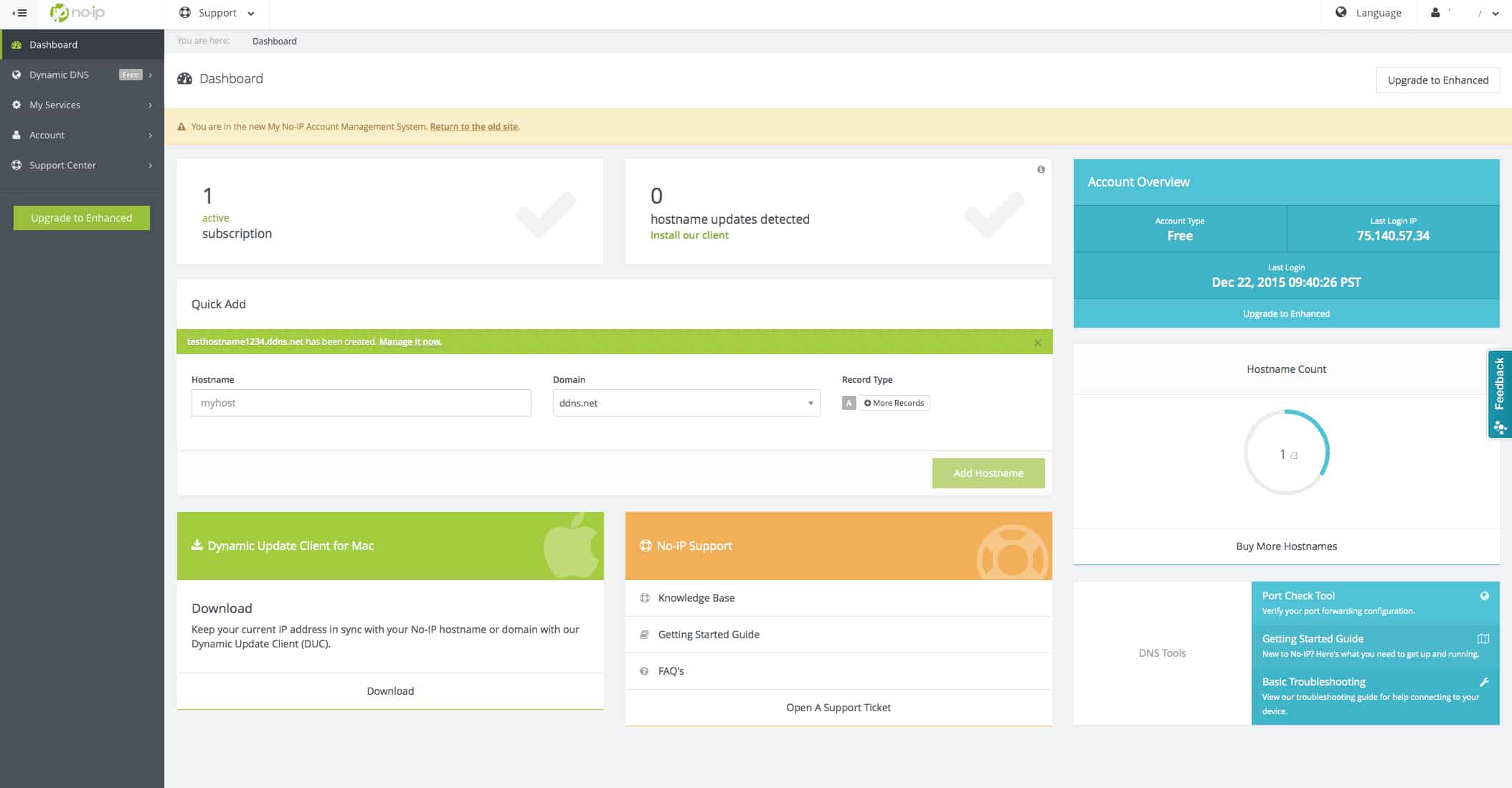
No-IP comes as both a free service and a paid one. No-IP prides itself on its high uptime, efficient support, and efficient maintenance. It features URL and port forwarding. The process for forwarding them is streamlined through No-IP, allowing even people who are not very competent with computers to still set it up with ease.
No-IP comes in as both a free and paid service. The free service offers three hostnames which need to be verified every 30 days. This option is ideal for home users that need to set up a DDNS for personal use such as security cameras. The paid version however offers a 100% uptime guarantee and is ideal for larger enterprises.
Overall, No-Ip is a well-rounded tool that has something to offer for both the regular individual that needs a DDNS for home use and larger enterprises alike.
2. YDNS
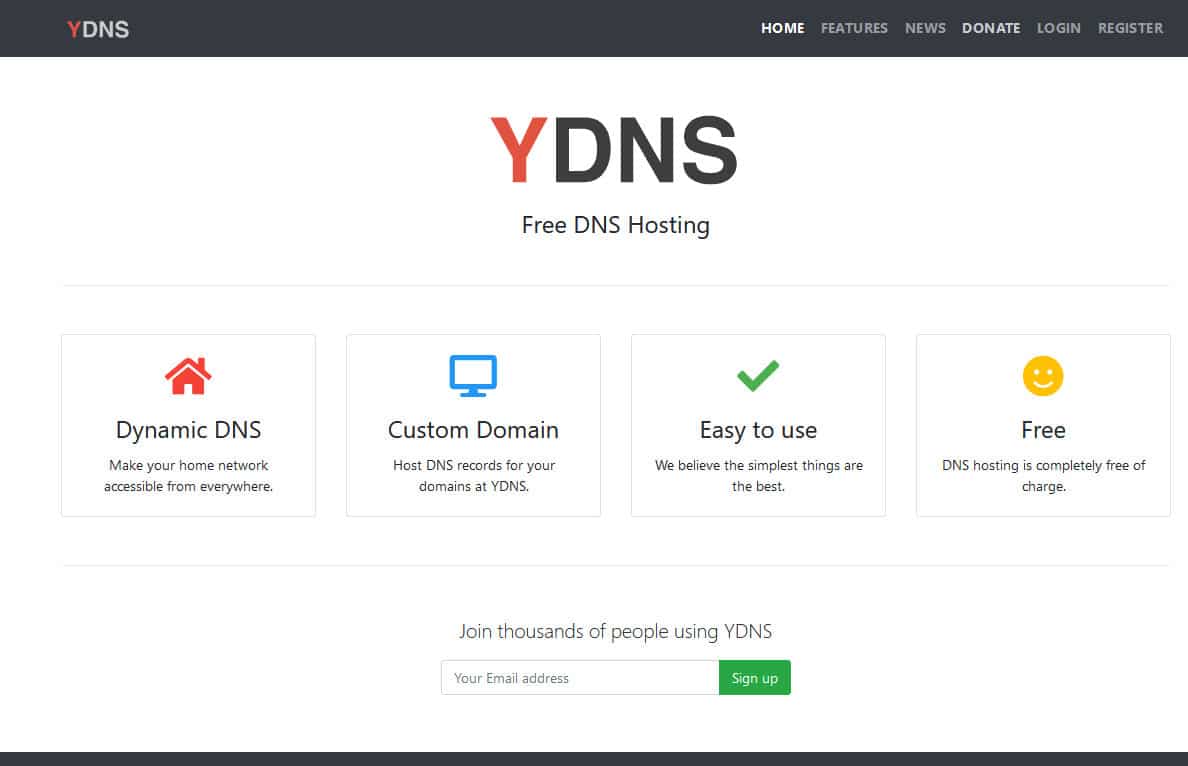
YDNS is another free DNS service that you can use for your needs. It allows you to create unlimited hosts per user as long as it is in accordance with their fair-use model. It also features free DNSSEC as part of its services.
To briefly describe what DNSSEC is, remember how DNS works and is effectively functional like a phone book? It has a security issue of automatically accepting any address you request with no hesitation. This is why you need a layer of separation that checks the records for proper authentication.
The YDNS interface is manageable through either a web interface or an API. While YDNS is completely free to use, it is also intended for home use only. Note that this isn’t enforced, but simply a polite request from the developers since it is absolutely free to use.
3. EuroDynDNS
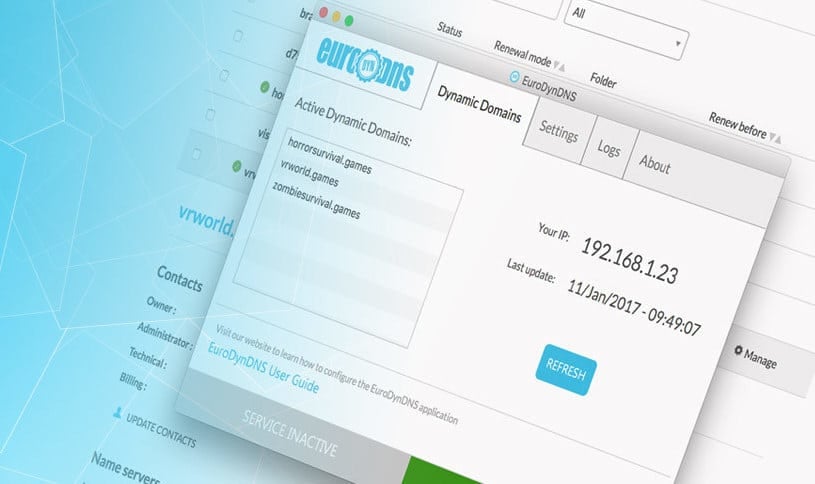
EuroDynDNS is a free DNS provider that offers a wide array of features. It comes with a client that gives you a list of all of your currently active dynamic domains, your IP addresses and when they were updated. Using that client you can turn your computer into something more akin to a server that can receive access requests from the internet.
If you want to use a simple DDNS without any complications, this is the one for you.
4. DNS Max
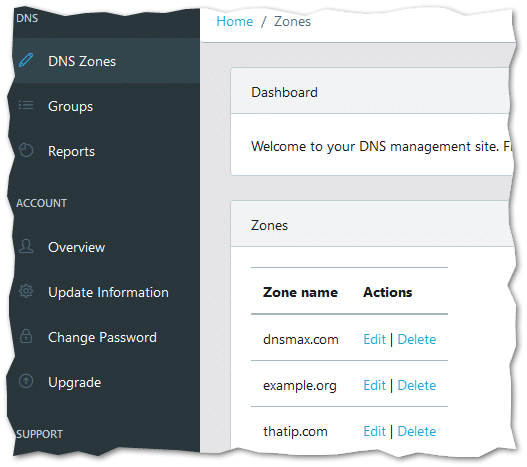
DNS Max is another DNS service that also has a DDNS upgrade. The DNS records are created and managed through a web-based control panel. It also allows you to use your own domain name and allows for URL forwarding.
DNS Max however isn’t free so this is more suited to larger enterprises rather than personal home use. The URL forwarding feature allows you to forward hostnames to a different URL. It also offers detailed DNS statistics which gives you DNS records alongside graphs that help you visualize and comprehensively understand your network.
These records support A, AAAA, MX, TXT, SRV, and SPF records for both IPv4 and IPv6. The amount of queries that DNS Max can process is fairly high considering that it is optimized for large businesses so you can reliably know that there won’t be any weird throttling.
Lastly using this DNS can be a bit technical as you need more specialized knowledge of how networks work to set up which may prove to be a challenge.
5. Dynu
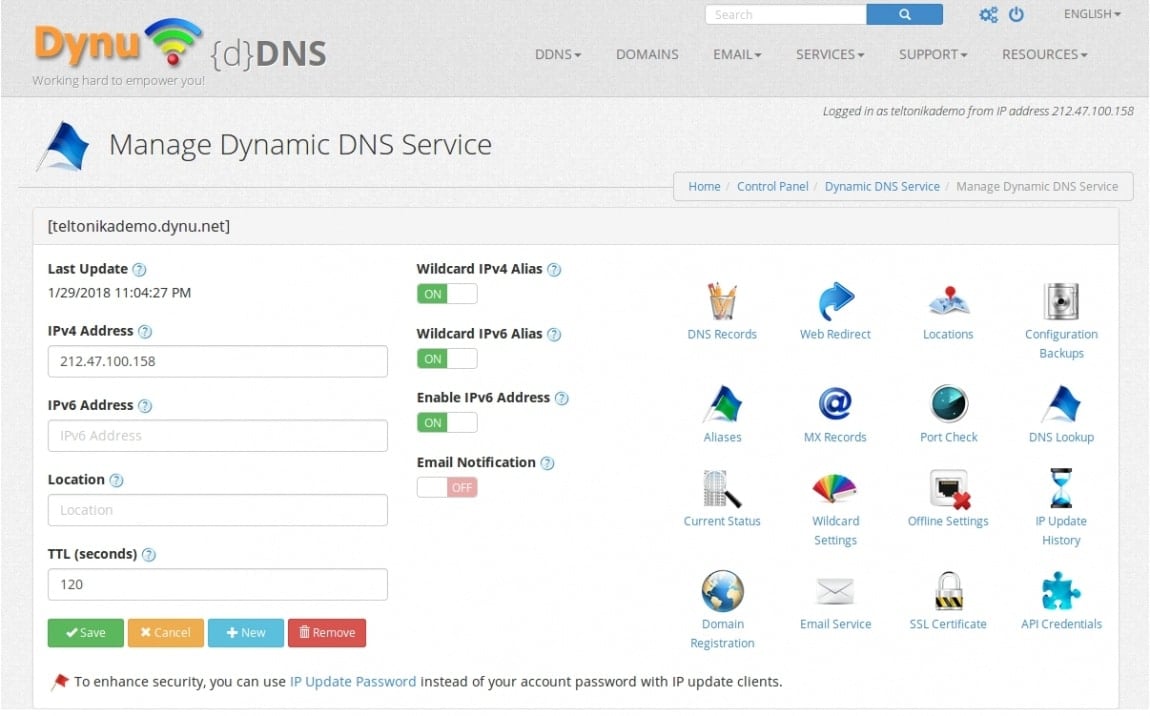
Dynu offers a free DNS service that offers 100% uptime as well as many different quality-of-life features. It offers router support, top-level domain names, third-level domain names, and more. With the top and third-level domain names, you can almost fully customize your URL however you’d like, allowing you to have a professional look.
You can accomplish all of these tasks from the Dynu control panel which is very lightweight. Dynu also offers global coverage including places such as the US, Australia, the UK, Germany, Japan, Singapore, and the Netherlands allowing for lightning-fast resolution. Lastly, it tracks your IP addresses which are assigned to each device giving you perfect clarity.
6. Now-DNS
Now-DNS is very simple to use and offers you unlimited custom hostnames free of charge. You will be using a client which monitors your every IP change automatically and then informs their servers which then updates the DNS. It is reliable 24/7, supports both IPv4 and IPv6 and the hostnames never expire unless you delete them yourself.
You can have as many hostnames as you want which are easily manageable with the lightweight client. Also if necessary, you can also use an API to interact with it as well. There are no forced ads or redirects and that is a point of which Now-DNS is proud to say.
7. ZoneEdit
Zoneedit has two different plans, both a free and a paid version. Zoneedit currently claims that they are accepting free signups at the moment, implying that there might be a time when they won’t.
The free DNS accounts allow you to use any domain name you own and support full features and DNS management for the majority of record types such as SRV, NAPTR records, A & AAAA (IPv6), SPF (via TXT records), CNAMEs (including domain apex aliasing), and more. Furthermore, they offer additional services such as email forwarding and URL redirection.
Zoneedit promises 100% uptime considering that they’re globally deployed and if it detects a problem in your zone, it will automatically update it to bring the backup infrastructure online.
8. ChangeIP
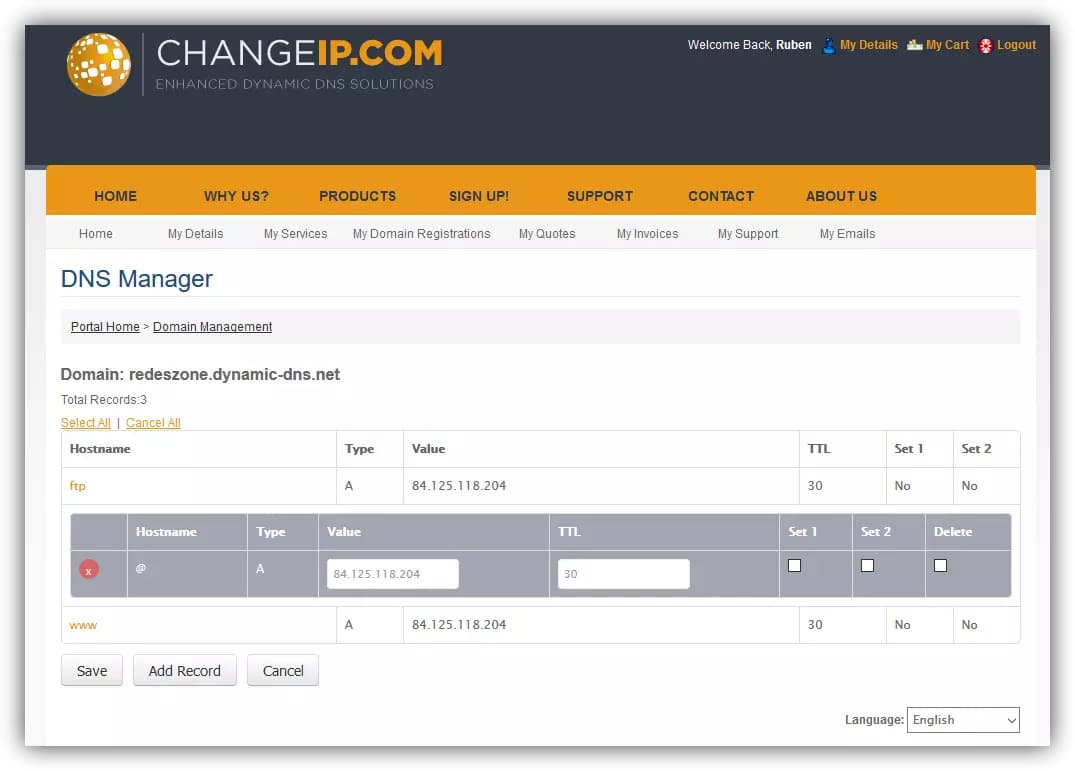
ChangeIP has two different plans, the free and the paid version. The free version has you choose a domain from a long list meaning that you won’t have any degree of customization. If you wish to use a DDNS for personal reasons or to just set up something around your home like a security camera, that will be fine but will definitely seem unprofessional to outside sources.
The paid version however lets you customize your domain and is fairly cheap to begin with. Furthermore, it offers unlimited redirection and traffic monitoring. The service itself has been in business for over 20 years and has proven to be very reliable. The only issue is that sadly as of now it doesn’t support IPv6.
9. Duck DNS
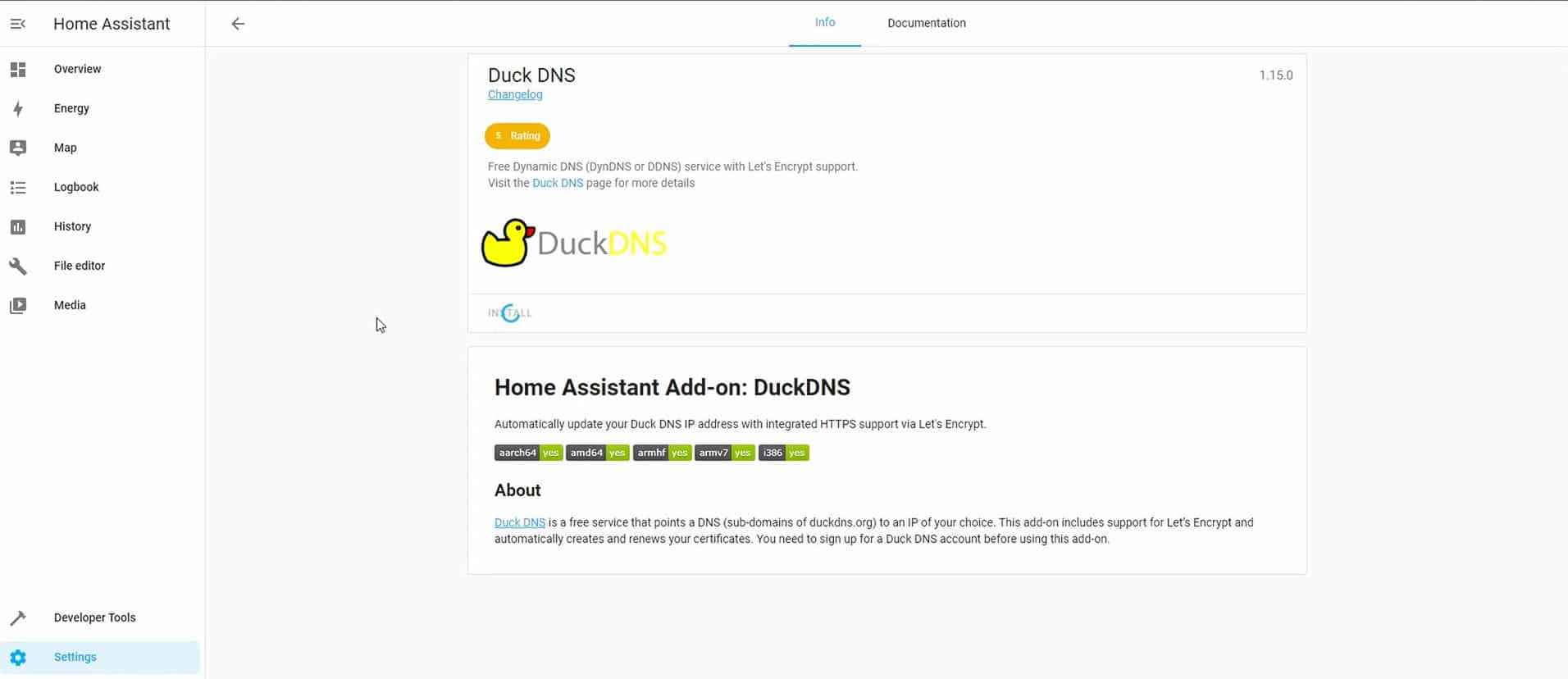
Duck DNS allows you to assign a DNS to a specific IP for free. It updates the domain name every 5 minutes making sure that you’re always accessible and have almost 100% uptime. It is hosted on AWS which makes it accessible from practically anywhere in the world with the caveat of not supporting IPv6.
It is protected by a 256-bit signed SSL certificate which means that your information is safe and secure in their hands. This service is best for personal use since you can only use their subdomains and you can’t host your own domain name. It is available for a variety of different platforms such as Windows, Mac, and Linux.
10. ClouDNS
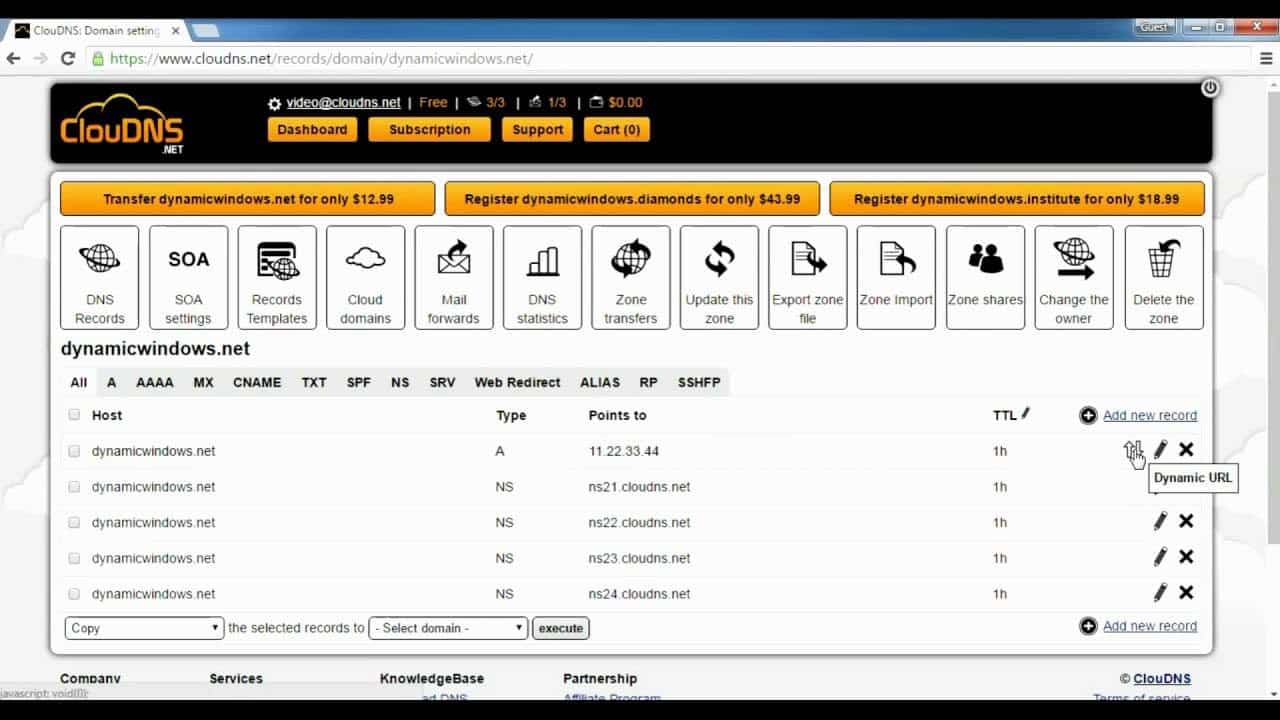
ClouDNS has both free and paid variations for their service. The free variety doesn’t really have any advanced features but it does a good job covering the bare necessities for personal use. Luckily there are several paid plans that have a lot of quality-of-life features such as DNSSEC, Free SSL, Reverse DNS zones, and more.
11. Namecheap
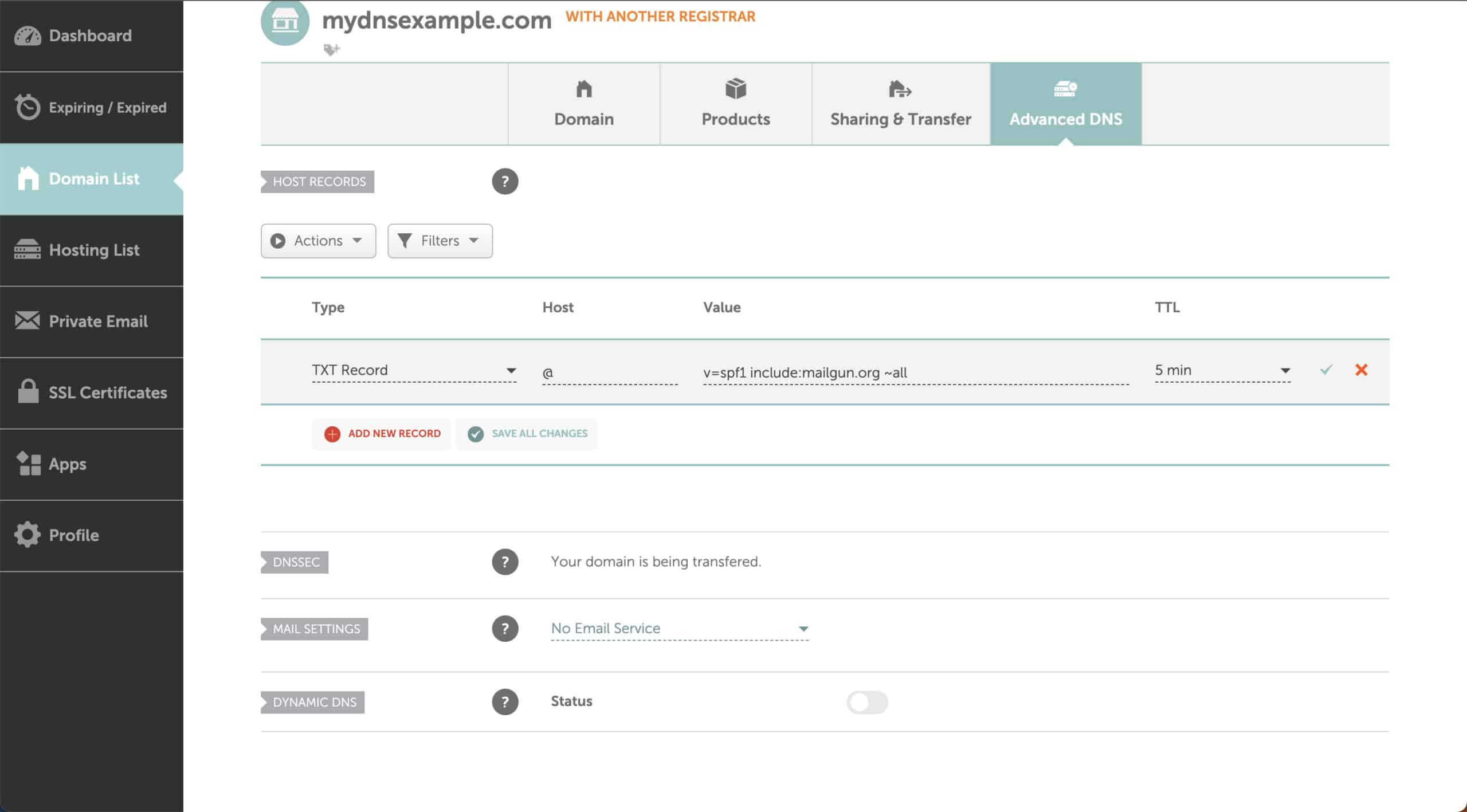
Namecheap offers two dynamic DNS types, the FreeDNS and PremiumDNS versions. FreeDNS offers a standard dynamic DNS as well as a secondary DNS, supports logging records for A, AAAA, ALIAS, CNAME, NS, MX, TXT, URL Redirect Record (301, 302, Frame), SRV, and CAA host record type, and finally has free email forwarding.
The premium version offers DNSSEC support, a 100% uptime guarantee (SLA), advanced DNS DDoS protection, and worldwide coverage, all for the low price of $4.88 a year.
Summary
We have covered a lot of ground in this article, displaying many different providers at different price points and features. You may be thinking to yourself about how you’ll choose the best one from this list and there isn’t one. The best tool is the one that fits your needs the most, if you need it for simple personal use, the high-end expensive one will be just as good as the free version, so in other words, take all of your needs into consideration and hopefully this list has the best solution for you.