


RATs (Remote Access Trojans) are tools that hackers use to gain access to a device remotely. Once they have access to that device they can use it however they wish from exploring all of your information to executing illegal activity from your machine to make their crimes undetectable. As you can see they can do quite a lot of damage.
They can easily impersonate you and gain control of your social media as well, for example, even if they were to post something out of character on your social media platform, you would still be able to prove that was the case since the platforms log all active sessions and you can reliably verify that the IP during that session doesn’t belong for you.
With a RAT attack it’s different however since all of the actions are committed from your machine and have your credentials, making it practically impossible to prove that you were under such a malicious attack. Luckily however most RAT attacks aren’t interested in your personal information, instead choosing the other option of rerouting traffic through your network to hide any illegal activities that they may be committing.
These types of underground secret networks can be quite common in the hacker world where they would rent access for these masking highways to other hackers. Another common use of Remote Access Trojan Software (RAT) tools is cyberwarfare. A hacker or a group of hackers can command any device as we already said. To further understand what that implies though, that means that they can also take command of entire networks such as telecommunications, power stations, or anything else that is connected to a network and operated electronically.
RATs even have the potential to sabotage nuclear reactors and the like as well. Entire governments have dedicated cyber divisions which utilize many strategies to gain an upper hand over other nations, RATs included.
So How Do I Protect Myself Against Rats?
RATs themselves are very easy to detect, your device is equipped with many ways to detect strange and unusual activity on your device. Unfortunately, there are many effective methods to obscure the presence of a RAT which makes it nearly undetectable, often for years even. Once the RAT is turned invisible it is very difficult to remove, firstly because you may not even be aware of its existence, and secondly because they can use rootkit methods to stay attached to your device at all times.
In these scenarios, the only thing you could effectively do to get rid of a RAT would be to completely wipe your system and reconfigure it from scratch. Another way luckily is to use an Intrusion Detection System (IDS).
How Do Intrusion Detection Systems Work?
Intrusion Detection Systems (IDS) function by monitoring a network for any strange or unwanted activity and then promptly alerting the administrator about those potential threats. There are multiple ways to try and track down any intrusions within a system.
Packet monitoring is one of these methods, your network traffic consists of packets of information that are being sent and received within your network. If a RAT is somehow active within your system, you will be able to see any strange packets being sent or received, as well as unusual protocol activities, network-based attacks, et cetera.
Intrusion Detection Tools also constantly scan for any unusual patterns, even though the other forms of detection may be hidden, you can still likely find mismatching pattern trends over a large enough sample of data, indicating some unusual behavior which may be a RAT. Once the issue has been detected, the IDS immediately notifies the person in charge and provides contextual information on how to combat it. These include the attack type, source address, target address, and more.
There are several different types of IDS on the market, these include host-based, network-based, and application-based IDS. We will be covering a wide variety of them here and pointing out their advantages and disadvantages relative to each other. The network-based IDS are however the most common.
The Best Remote Access Trojan Software
1. OSSEC
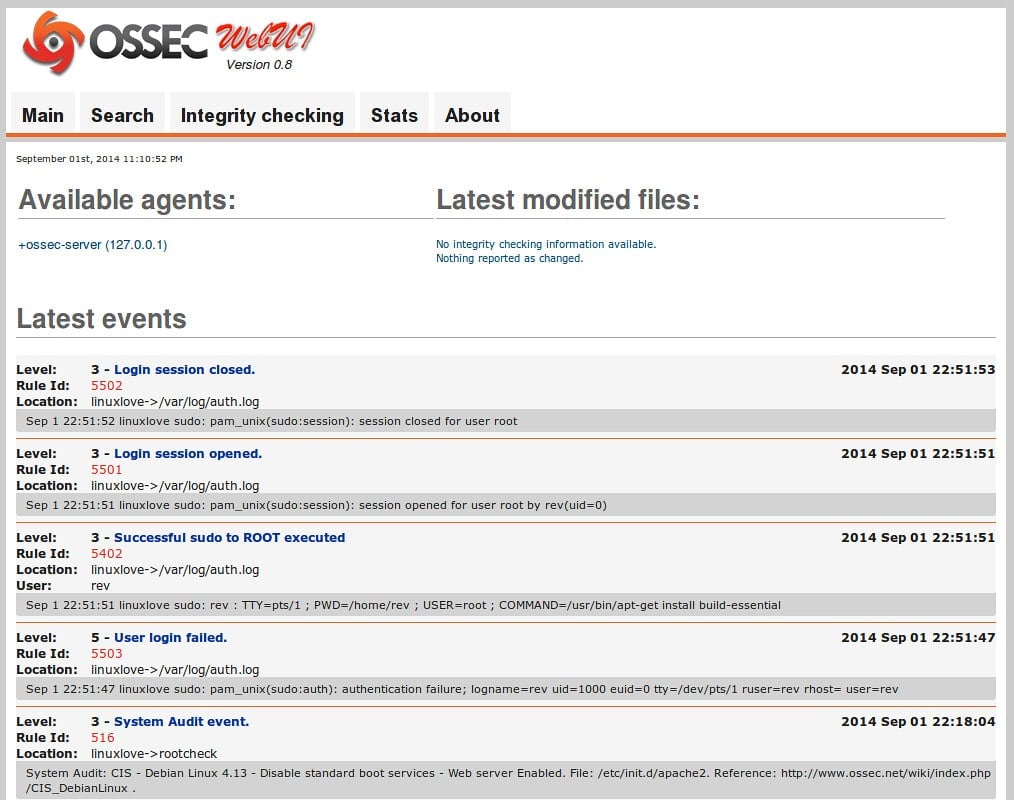
OSSEC comes in three different versions, OSSEC, OSSEC+, and Atmoic OSSEC. Let us start with the basic OSSEC version. It is free to use and offers a multitude of features such as Log-based Intrusion Detection, Malware Detection, Rootkit Detection, File Integrity Monitoring, and more. This alone allows you to cover most of the issues that you may encounter on a personal level.
Ηhowever, the other two versions offer far more features. For example, OSSEC+ also gives you access to Machine Learning, PKI Encryption, and more on top of the previously mentioned features which the basic version offers. Atomic OSSEC is essentially the premium version. It provides you with a Web-based Management Console, Real-time Forensic File Integrity Monitoring, Host-based Zero-Load Vulnerability Scanning, Global Threat Intelligence, Native SIEM Integration with Splunk, ArcSight, and others, and many more features.
Atomic OSSEC functions both as an IDS and XDR at the same time while also gathering information in an intuitive and comprehensive way. This information is then visualized on a dashboard, allowing for quick insights and immediate reactions. OSSEC+ is also free but requires you to sign up on their website to use that service. Atomic OSSEC is the premium version for which you will need to request a quote. Their pricing however does start at $55 per endpoint per year.
2. Suricata
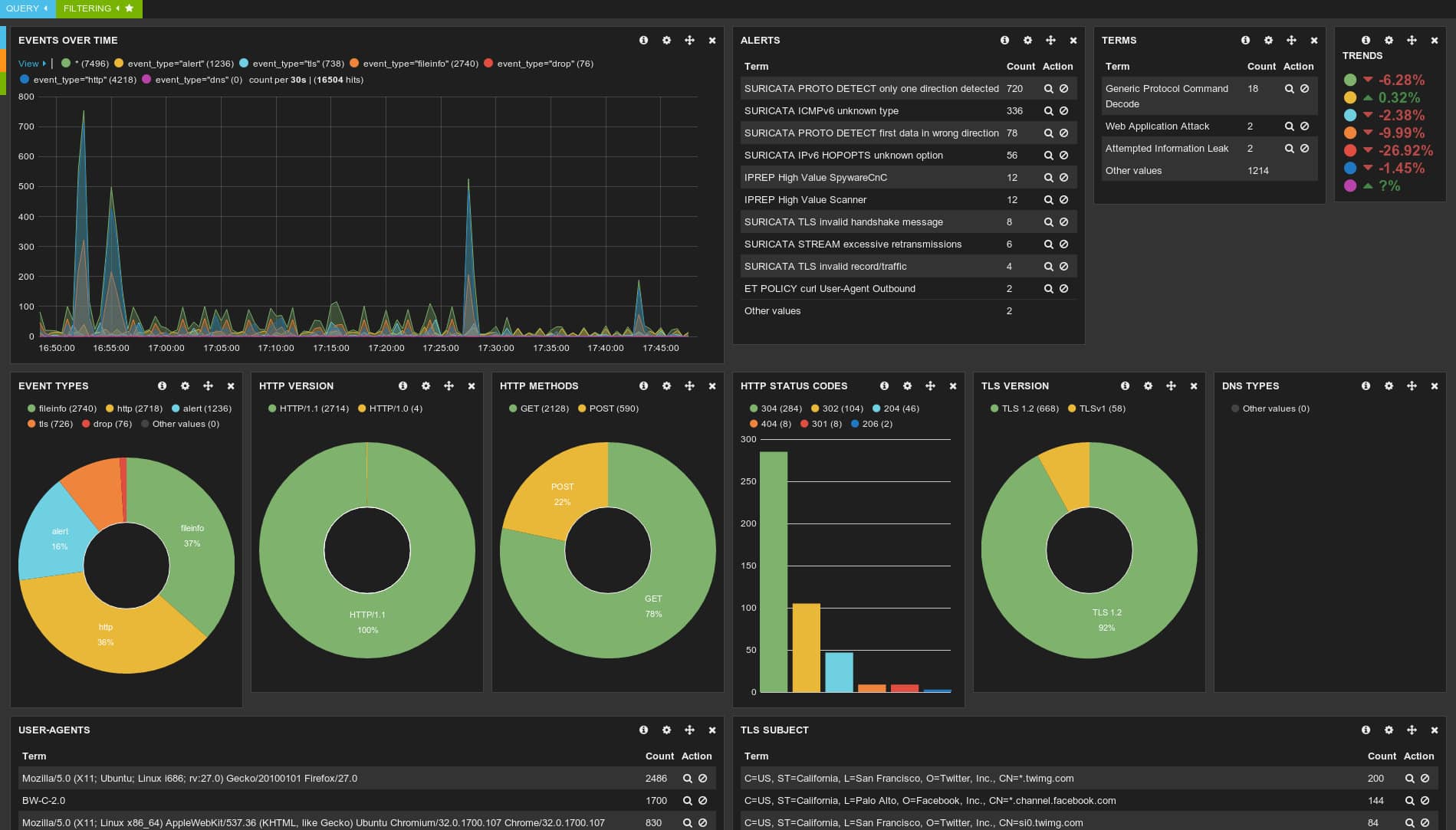
Suricata goes beyond just being the typical IDS/IPS (Intrusion Prevention System). First of all, Suricata is free, open source, and available for Windows, UNIX, FreeBSD, Linux, and Mac. It logs HTTP requests, logs and stores TLS certificates, and more. It allows for pcap (packet capture) support enabling you to analyze your data with ease.
As an IDS/IPS, it can use two different rulesets, the VRT ruleset, and the Emerging Threats Suricata ruleset. This allows you to detect any anomalies within your traffic such as threats, policy violations, and malicious behavior. Furthermore, Suricata offers high performance that is capable of processing multi-gigabit traffic. The engine is designed to be scaled very efficiently with ease.
3. SolarWinds Security Event Manager (SEM)
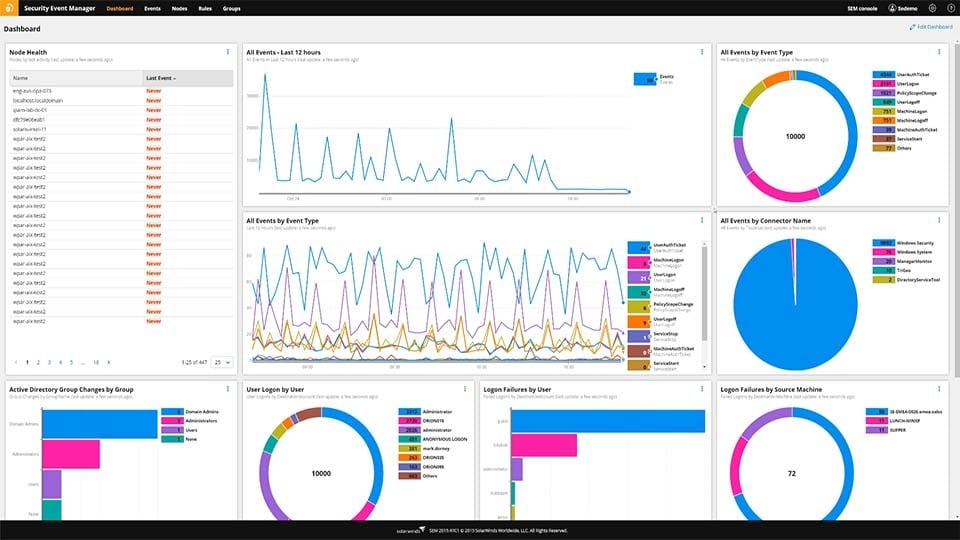
If your needs are enterprise-scaled rather than personal then SolarWinds Security Event Manager (SEM) is the tool for you. It is lightweight and ready to use fully out-of-the-box. It is far more than a simple IDS and in fact, offers 24/7 real-time monitoring. It also helps you achieve compliance with regulatory bodies such as HIPAA, PCI, SOX, DCI, and more. It effectively operates as your own Security Operations Center (SOC) and has hundreds of built-in correlation rules that help you identify threats in real-time.
An additional benefit that SEM offers is the fact that those correlation rules are fully functional immediately. Furthermore, you can normalize data logs to create endless rule combinations. SEM also allows for cyberthreat automation meaning that if it ever detects an anomaly or something malicious, you can have a pre-programmed response which certain triggers set off. This means you can have a specific and unique response for each of the issues you may come across.
Once this is automated, not only are you having a more safe and more stable environment, but you can also allocate more time for your IT technicians to focus on development, rather than maintaining the network system. SEM offers a free fully functional 30-day trial and an interactive demo. If you wish to purchase the full product you will have to contact the vendor to get a quote, however, pricing starts at 2.341€.
4. Zeek

Zeek is a Network Security Monitoring tool that is flexible and open source. Zeek doesn’t function like an active security device, it instead acts as a sensor and observes network traffic. It then examines the information that it collects and creates comprehensive transaction logs and file content. Zeek is available for Unix, MacOS, and Linux.
5. AIDE
AIDE (Advanced Intrusion Detection Environment) is fully free and allows you to check the directory and file integrity with ease. It works by creating a database from the regular expression rules from the config files. Then you can use it to verify the file and directory integrity. It also allows all the usual file attributes to be checked for any anomalies.
It offers many features, such as supporting message digest algorithms such as md5, sha1, and rmd160, supporting file attributes, offers support for Posix ACL, SELinux, XAttrs, and many more. AIDE is available on Debian GNU, FreeBSD, Gentoo, Homebrew, OpenBSD, and more, as long as it is modern Unix, it will run AIDE.
6. Samhain
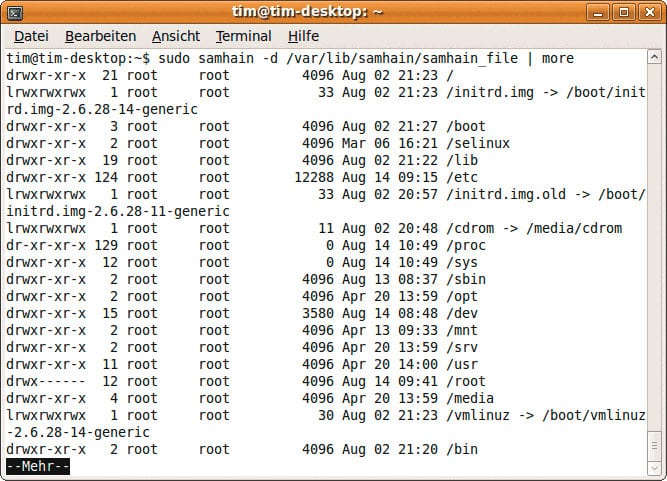
Samhain is a host-based intrusion detection system (HIDS) that offers numerous features such as log file monitoring and analysis, rootkit detection, port monitoring, hidden process detection, file integrity checking, and more. It lets you offer multiple hosts at the same time and provides you with a unified centralized interface for those systems, allowing for excellent oversight and a huge reduction in wasted time trying to cross-reference data.
Summary
We have covered a multitude of different options ranging from personal, small business, or full-on enterprise. Finding the ideal RAT detection tool for you isn’t a particularly easy task, especially if you wish to be as secure as possible, so hopefully you’ve found the answer you were looking for within this list.