

Why Should I Use Email Encryption? If you deal with sensitive information, or simply value your privacy, email encryption services are a vital security measure to make sure nobody has unauthorized access to your information. By encrypting your messages, you can guarantee that nobody except the intended recipient will read the contents of the email, even if they do manage to intercept it.
This can save you a lot of trouble by preventing issues such as identity theft, trade secret theft, financial fraud, etc. In addition to protecting valuable information, it can also help you meet compliance requirements for many industries such as healthcare, government, and finance where making sure that your information is as secure as possible is essential.
While email encryption is not a guarantee of top-notch security, it is however an additional layer that might just be the integral part of making the difference in whether you were successfully a victim of a cyberattack or not.
Are My Emails Not Encrypted?
While most vendors do offer some encryption, it is likely not enough to mitigate any real attacks on your privacy. Google for example uses TLS (Transport Layer Security) for encryption. This is still a form of encryption but it is far from the best protective layer you can have.
For example, TLS is vulnerable to many different kinds of attacks, these include but are not limited to session cache attacks, session key recovery, protocol downgrade attacks, and more. So while your email is technically encrypted, there can still be a lot of things that a dedicated attacker can do to get your information.
Gmail also allows you to use S/MIME (Secure/Multipurpose Internet Mail Extensions) to encrypt your emails if you wish. This allows for end-to-end encryption making sure that only you and your recipient can look at the contents. It also allows for digital signatures which ensures the integrity and authenticity of the email and its contents, essentially making sure that the email hasn’t been tampered with. This is a huge difference from the usual TLS method of encryption that most email providers use.
How Do I Protect My Emails?
One way to increase security is the aforementioned S/MIME security standard. Implementing measures like these often involves more complexity and work than simply writing an email and clicking on the send button.
Firstly, for S/MIME to work, you will need to get a digital certificate. A digital certificate, also known as an X.509 certificate, is a document that verifies and authenticates the identity of an individual, as well as the device, server, or application. The brief explanation of how the process works is that once you are certified, checks are performed to make sure that the recipient of the message is authorized to see it, and that it wasn’t tampered with.
With Gmail, you will need to follow the instructions to upload your digital certificate and public key to your account. Once it is enabled when composing a message you can use a feature from the “Advanced” drop-down menu to encrypt and sign it. It is important to note that the recipient must also have S/MIME enabled and your public key.
Another option would be third-party solutions. These tools may use features such as PGP (Pretty Good Privacy) and GPG (GNU Privacy Guard) to encrypt the messages. There are many tools and email providers that offer services such as these, and we will be getting into quite a few of them.
Which Tool Is Right for Me?
There are a lot of tools to choose from, each varying in the way they function. There are free variants while there are also ones that offer a free version on a small scale, while others will require a subscription to use.
We will be comparing these factors and detailing them as precisely as possible to provide you with the best insight to make your pick.
The Best Email Encryption Services
1. Trustifi
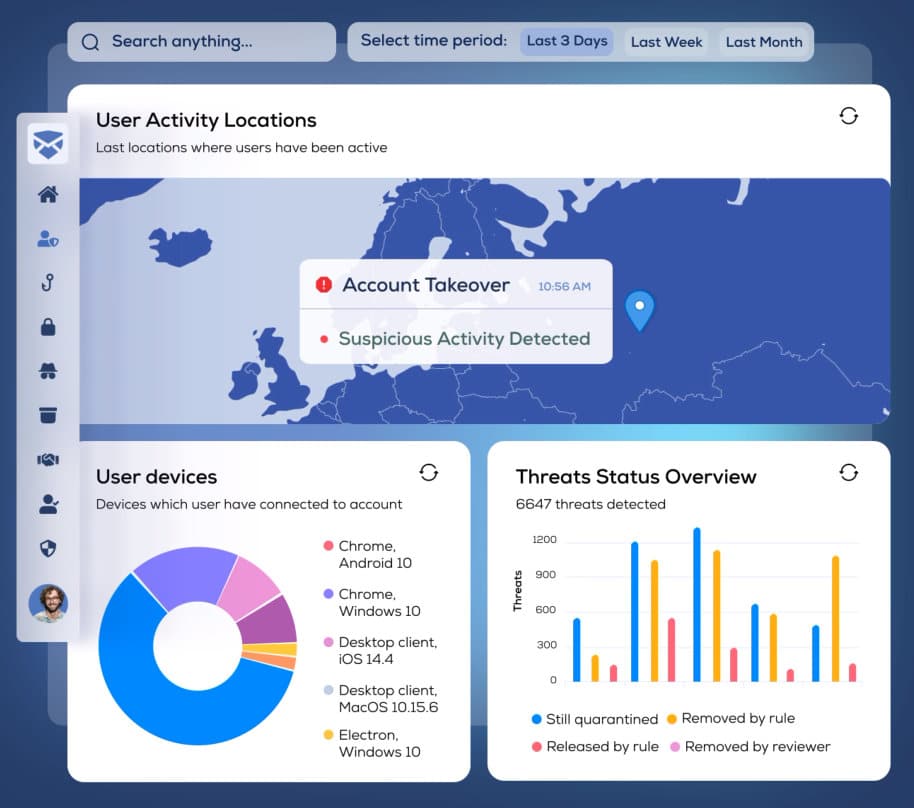
Trustifi has a wide variety of tools to make sure that any data you send or receive is safe to the utmost extent. Anywhere from scanning all incoming emails for potential attacks to automatically covering for your employees’ incompetence and all of that is fully functional without even changing your email.
Did you know that about 60% of all cyberattacks are simply human error? Breaches usually happen because of the simple mistakes employees commit. Accidentally sending the email to the wrong recipient or clicking on a phishing link, et cetera. These issues scale up with the number of people you have working for you, meaning that there will be higher opportunities for someone to fall for an exploit in the weakest link, the weakest link being the people themselves.
Trustifi solves all of these issues and more. Firstly, it scans and automatically encrypts all of your outgoing emails. The parameters under which this feature operates are pre-determined by your administrators and are highly flexible. Furthermore, you don’t need to encrypt the entire email either. Trustifi is able to contextually analyze key information in an email to encrypt only sensitive information such as credit card numbers, social security numbers, et cetera. This way you can rest assured that the message is readable by plain text and searchable as well, while still being protected fully.
Since this process is automated, this means that the chance of human error is largely minimalized, even if they do end up sending the email to the wrong recipient or if it gets stolen somehow, it will still be encrypted and unreadable to the recipient. The encryption that Trustifi uses is AES 256-bit (Advanced Encryption Standard). This type of encryption is so strong that even if you used every bit of processing power on the entire planet, you would still not crack it in hundreds of thousands of years.
Trustifi also applies a Postmark to an email that creates a signature that can be used as legal proof that the email has been successfully delivered and opened by the intended recipient. The machine learning systems also adapt to the behavioral patterns of your users over time, creating a baseline image of normal operations. It is then able to scan for any abnormal usage within the system which would be indicative of a malicious hacker who has penetrated your systems to steal sensitive information. This tool however isn’t free to use and requires a subscription. To see the pricing you need to contact Trustifi to get a quote.
2. Skiff
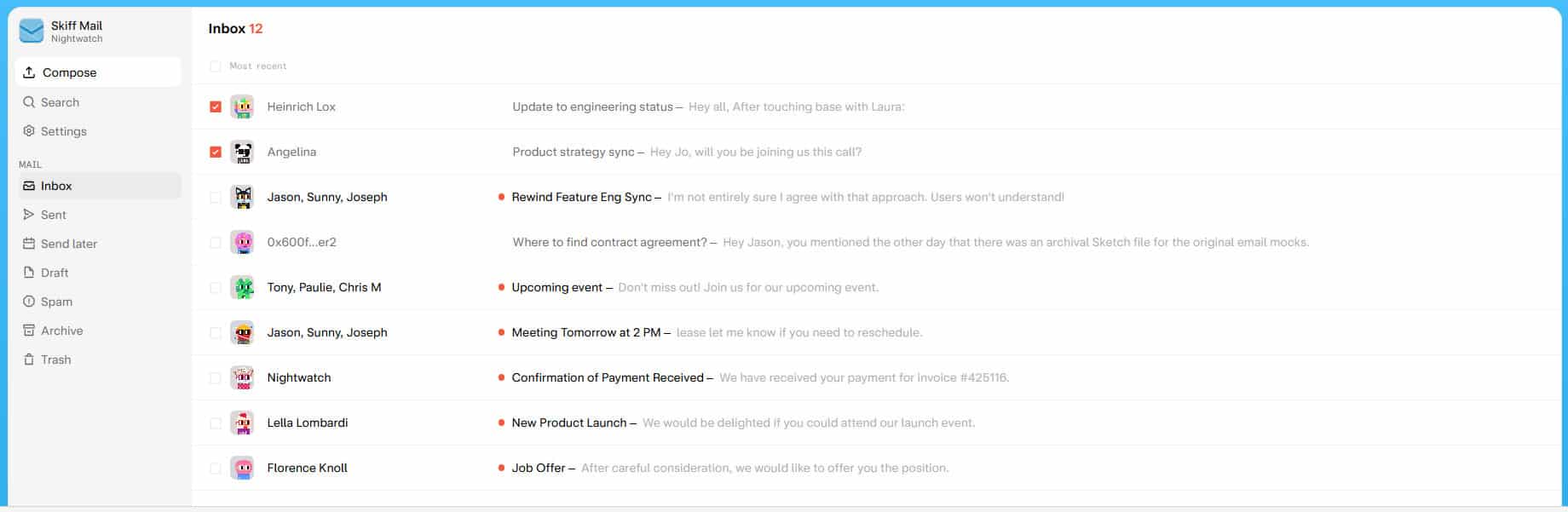
Skiff is an end-to-end encryption service. To use it you will need to sign up with Skiff and create a new email. Your recipients will also need to be using Skiff however if you wish to utilize the security features. Luckily this is simple to do since Skiff has a 1-click migration feature that imports data from your Gmail, Outlook, ProtonMail, and more. The switch is easy to make and fully private.
Skiff takes your data privacy very seriously and will never share, sell, or monetize your information. It is open-source, uses open-source cryptography, and has been audited by external security experts. This way instead of merely hoping that the privacy concerns that Skiff has are true, you can genuinely confirm it.
Rest assured knowing that your data will be yours alone with no trackers and the only person who will get to view your messages is your intended recipient. Skiff has four payment plans: Free, Essential, Pro, and Business with the Essential plan being $3 and the Business one being $12 annually.
3. PreVeil
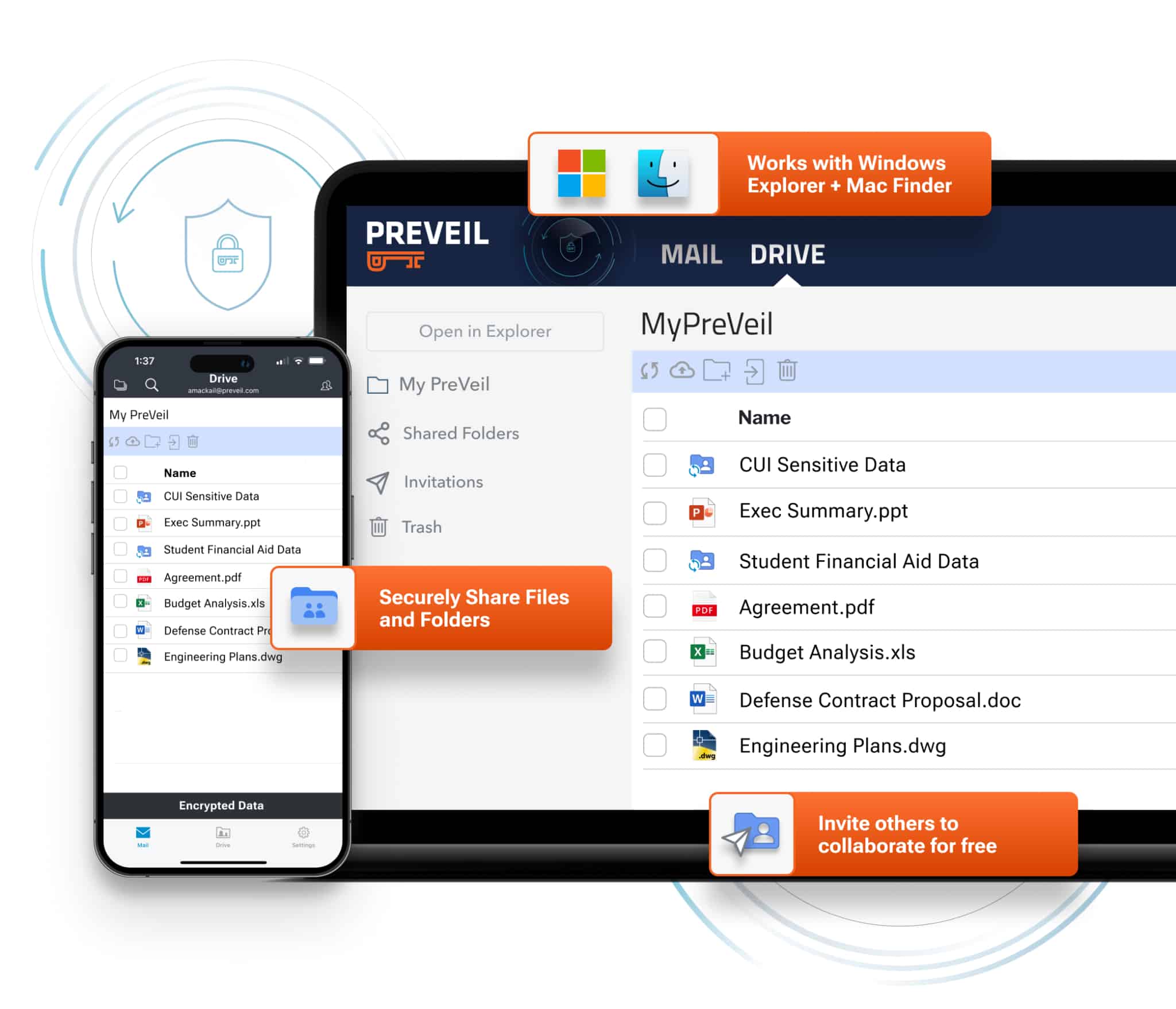
PreVeil uses end-to-end encryption to let users share their files, making sure only the intended recipient can access the sent files. It allows you to add an encrypted mailbox to Outlook, Gmail, and Apple Mail. This process still keeps your existing email address. The messages sent from this encrypted mailbox are protected from spoofing, phishing, and many more types of attacks.
PreVeil also utilizes zero trust security meaning that your data is always protected, even when servers or passwords are being breached. Furthermore, the data can not be accessed with stolen passwords or using compromised admins’ credentials. PreVeil has four different plans. The Basic, Individual, Enterprise, and Gov Community. The Basic plan is free, the Individual plan is $25 monthly, and the Gov Community one is custom where you would have to contact PreVeil to get a quote.
4. StartMail
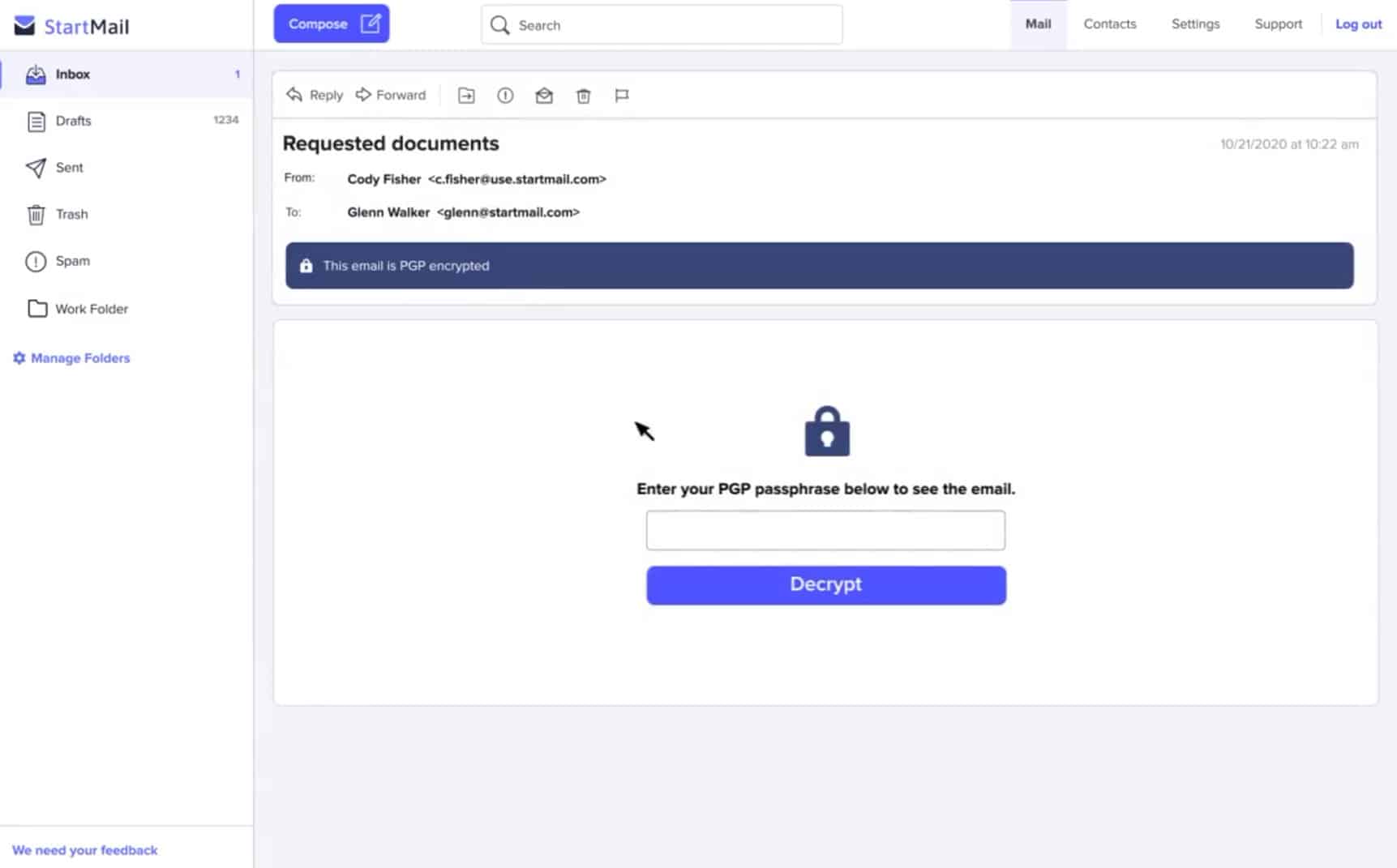
StartMail is a service that would require you to create a new email account, however, you can easily sync information from your previous providers with just a few clicks. It encrypts your emails with PGP encryption to guarantee privacy and security. You also have the ability to create your own custom domain when you create your email. It features 20GB of storage and unlimited email aliases.
By using aliases you can keep your real email account safe from spam and phishing by generating disposable aliases if you ever need to give your email out. You can access it from any device and also get 24/7 customer support to answer any questions or concerns you may have. All of these features and more are done with full data privacy, no trackers, and achieving compliance with GDPR as well.
If you ever wish to delete your email, it is completely instantaneous making sure that you always have full control over your data. StartMail has a free 7-day trial. Pricing is either monthly or annual, and StartMail features two plans, the Personal and the Custom Domain.
5. Tuta (formerly Tutanota)
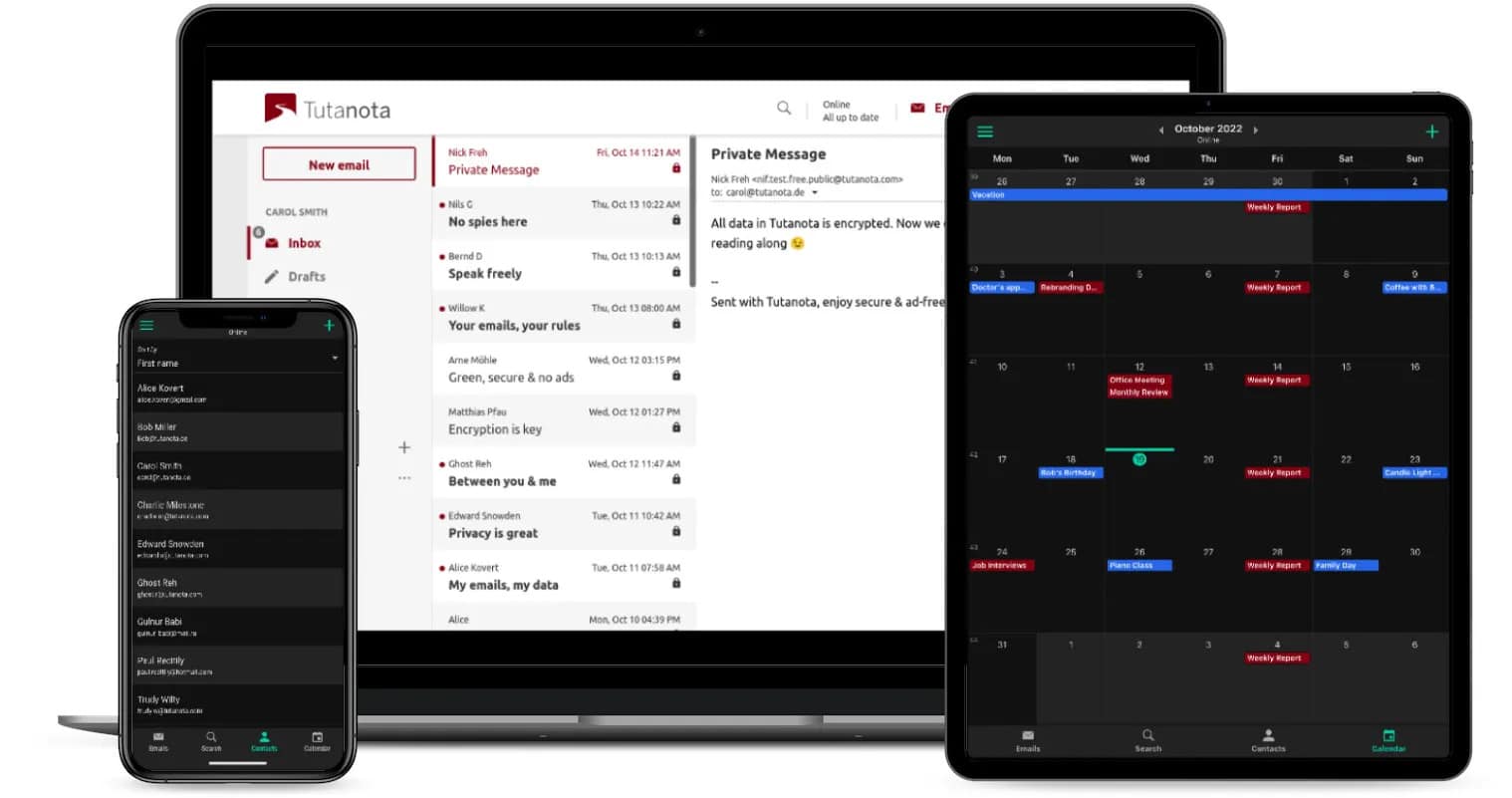
Tuta, formerly Tutanota, offers end-to-end encryption allowing for easy privacy. You also get access to encrypted calendars and contacts with Tuta. The email client is open source and Tuta fully owns the infrastructure upon which it operates. While many other email providers rely on services for captcha, desktop clients, and more, Tuta has built its versions of these products.
It is accessible from iOS, Android, and desktops which allows you to send secure emails on the go. It also features a minimum of 1GB of email storage for all of your attachments and messages. Finally, it is fully green as the secure servers are powered by renewable energy. By switching to this email you help preserve resources and protect the environment. They offer a free plan and generally subcategorize it into personal and business plans.
6. Virtru
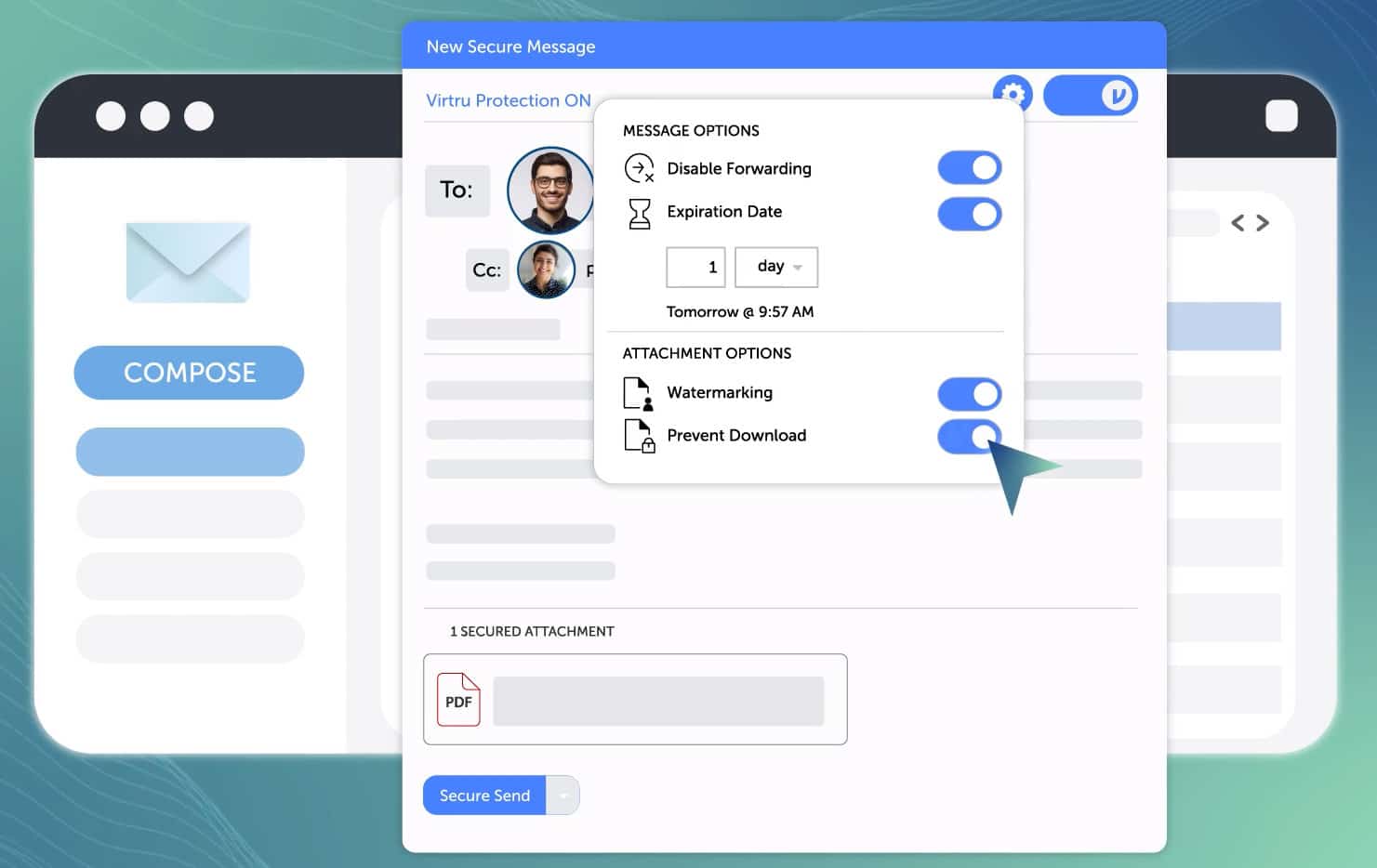
Virtru is designed to be used with Google and Microsoft 365. It is used to transmit sensitive information to third parties safely. Virtru guarantees that your data will only reach the intended recipient and no one else. Virtru functions on a zero-trust data security model effectively meaning that nobody can access your data except the intended recipient, not even Virtru.
It offers end-to-end file and email encryption for Google services such as Gmail, Google Drive, Google Docs, Google Meet, and many more. The data protection that Virtru offers is among one of the best, allowing you to meet compliance requirements with even the strictest regulations, these include but are not limited to HIPAA, ITAR, CMMC, and CJIS.
Virtru offers a demo and three different plans which are billed annually. The Starter plan is $109/month and includes 5 users. The Business plan is $189/month, includes 5 users, and has additional features on top of the Starter plan. The third plan is custom where you would have to contact Virtru directly to custom-tailor the plan for your needs.
7. Proton
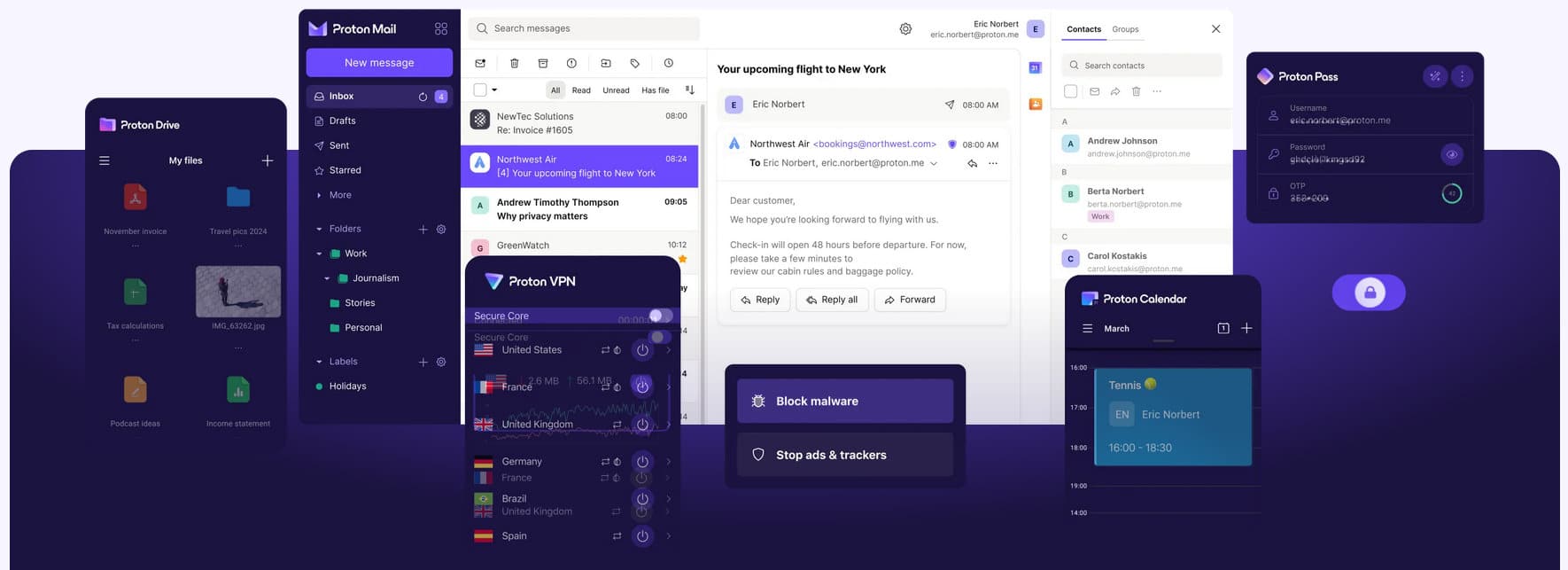
Proton offers privacy and security for mail, calendars, file storage, and even has a VPN with a free option. Their headquarters are in Switzerland meaning that your data is protected by their Swiss privacy laws. Furthermore, all of these services are open source and have been audited independently for transparency.
Proton Mail allows for end-to-end encryption. Even better, it is also zero-access meaning that nobody can view the contents of your account or the emails you send, not even Proton. Proton makes an emphasis on the right to privacy which is why all of their services are available for free. If you wish to get access to more features, there are also paid variations.
If you’re concerned about having to move your current emails and contacts, don’t worry since Proton has an Easy Switch tool that migrates all of that information seamlessly in a single click. All of Proton’s services have a free tier, however, there are multiple ways to purchase different plans. For an individual, these are Mail Plus and Proton Unlimited which allow you custom domains, increased storage, and many more features.
Summary
We have covered many different tools here which are best suited for various uses at different price points. It is important to realize that there isn’t a best-unified solution that is a clear winner, instead, you will need to create an informed decision based on the parameters which you find important for yourself.