

Password management tools can be incredibly useful for large business enterprises and personal use alike. Large businesses however should take special interest in getting password management tools considering all of the benefits that they provide. Everyone is aware that password managers help streamline the ease of access to specific accounts without even having to remember said passwords. They store them safely and easily in encrypted vaults making sure that your information is safe at all times.
This however is merely one of the amazing reasons why you should be using a password manager. First of all your security is actually increased by using this system. Unauthorized access will become nearly impossible considering the new and revised standards for accessing a specific account. You will easily be able to dictate and make sure that every single user is properly authorized for their position, no more, no less.
Furthermore, it might be important to note that you likely have several employees share credentials to complete specific tasks. This type of collaboration is further reinforced by a competent password management system. If a password is ever lost or forgotten, the system administrators can easily replace it for that specific account, saving you lots of time and resources overall. Also since your security is improved overall, that also leads to compliance with many regulations such as healthcare and finance. Making sure that only authorized employees have access to specific sensitive information is a display of your strong control over the system and adequate authentication.
The Best Network Password Managers
1. ManageEngine ADSelfService Plus – FREE TRIAL
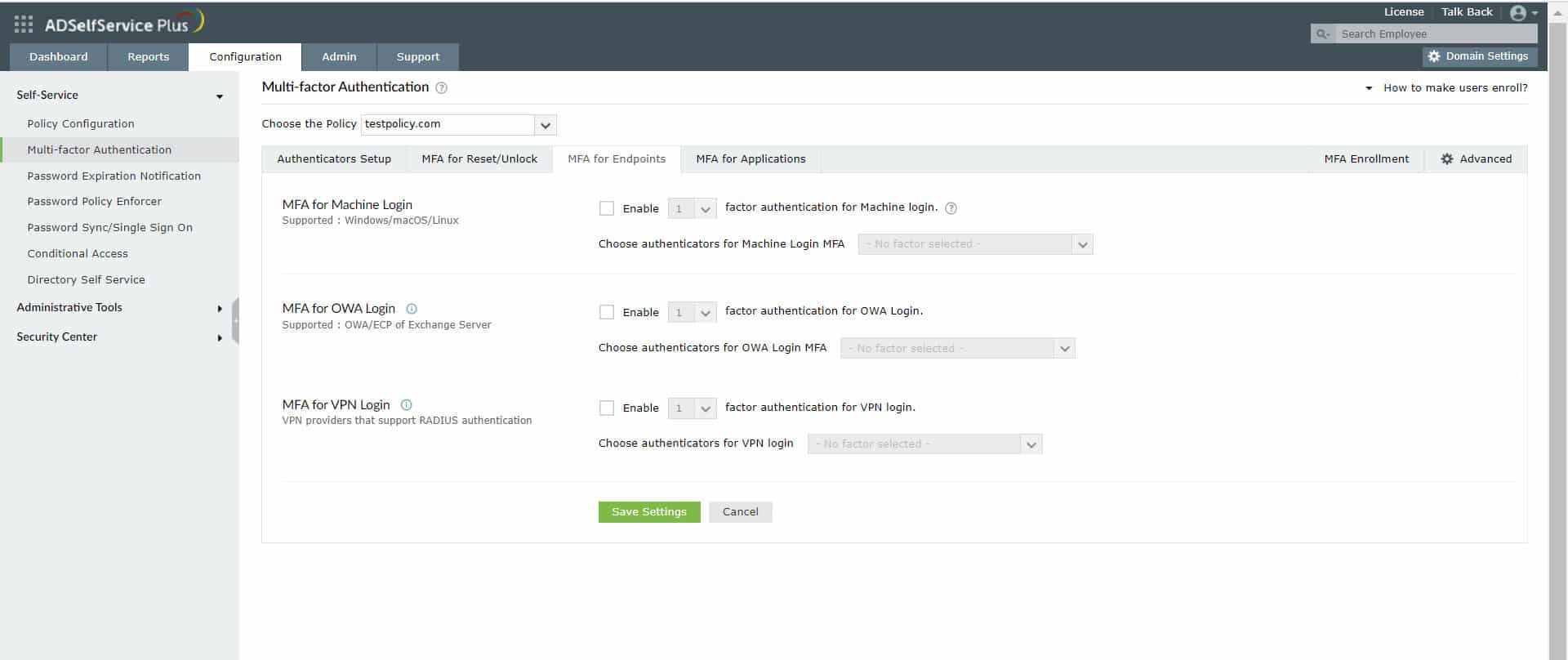
ManageEngine ADSelfService Plus is an enterprise password management tool that empowers users to manage their passwords, with little help from IT technicians. At the same time, it also provides complete control for administrators to enforce password policies, implement single sign-on, and support synchronization based on the organization’s security policies.
The result is a lesser workload on the IT helpdesk teams without compromising on security or compliance requirements. It also secures logins into machines and VPNs through single sign-ons and multi-factor authentication. Its real-time alerts and mobile support also make it a popular choice among organizations today.
Download a 30-day free trial.
EDITOR'S CHOICE
ManageEngine ADSelfService Plus is the editor’s choice for the best network password manager because of its comprehensive features that support usability and security. In particular, its self-service password reset and account unlock allow users to better manage their passwords while reducing the workload of IT teams. Similarly, its support for granular policy enforcement, real-time password synchronization, and expiration notifier is helpful for administrators to maintain the security of their network. Due to this combination of features for both users and administrators, and the overall focus on security, this tool is our top choice.
Download: Download a 30-day FREE trial
Official Site: https://www.manageengine.com/products/self-service-password/sem/enterprise-password-management-solution.html
OS: Windows
2. Hypervault
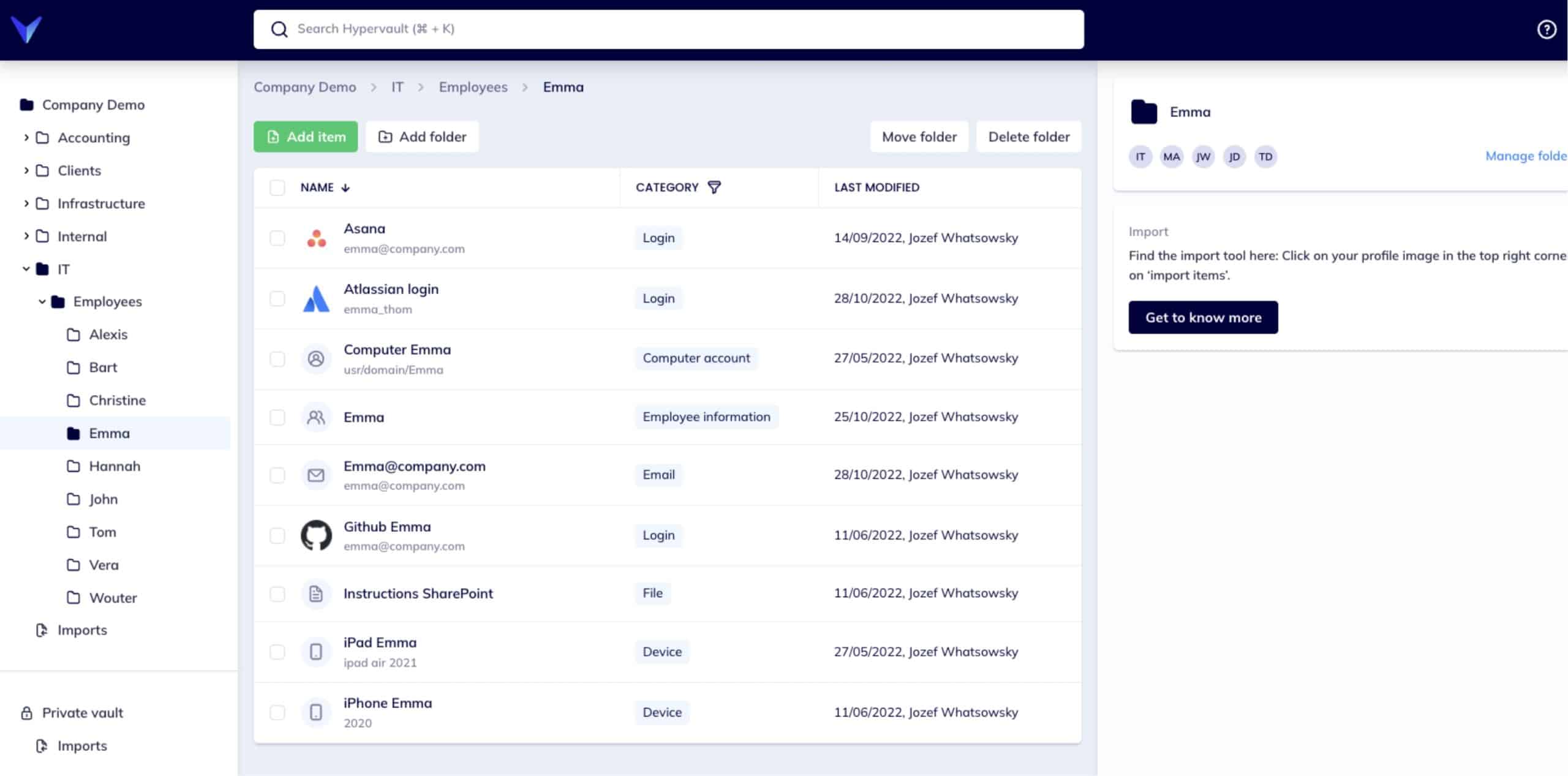
Hypervault is a password manager and digital vault that not only lets you manage your passwords, but also helps you securely manage your passwords, documents, client information, and any other potentially sensitive business data. It is ideal for businesses such as agencies, MSPs (Managed Service Providers), Educational Institutions, Accountants, Startups, et cetera. It is based on zero-knowledge architecture meaning that not even Hypervault knows what information you’re trying to protect. All of the data is also stored in the EU allowing for stricter regulatory control, and is also GDPR compliant.
You also have the capacity to create your own data sets, custom-tailored to your workplace to promote productivity. Hypervault also has advanced end-to-end encryption allowing for the safe exchange of sensitive information via data rooms. Suppose you have already used a password manager. In that case, you can easily migrate all of your information with just a few clicks, so you don’t have to worry about the hassle of carrying all of the information over manually. Hypervault offers a free 14-day trial and pricing starts at €4 per user monthly or €39 per user yearly.
3. Passbolt
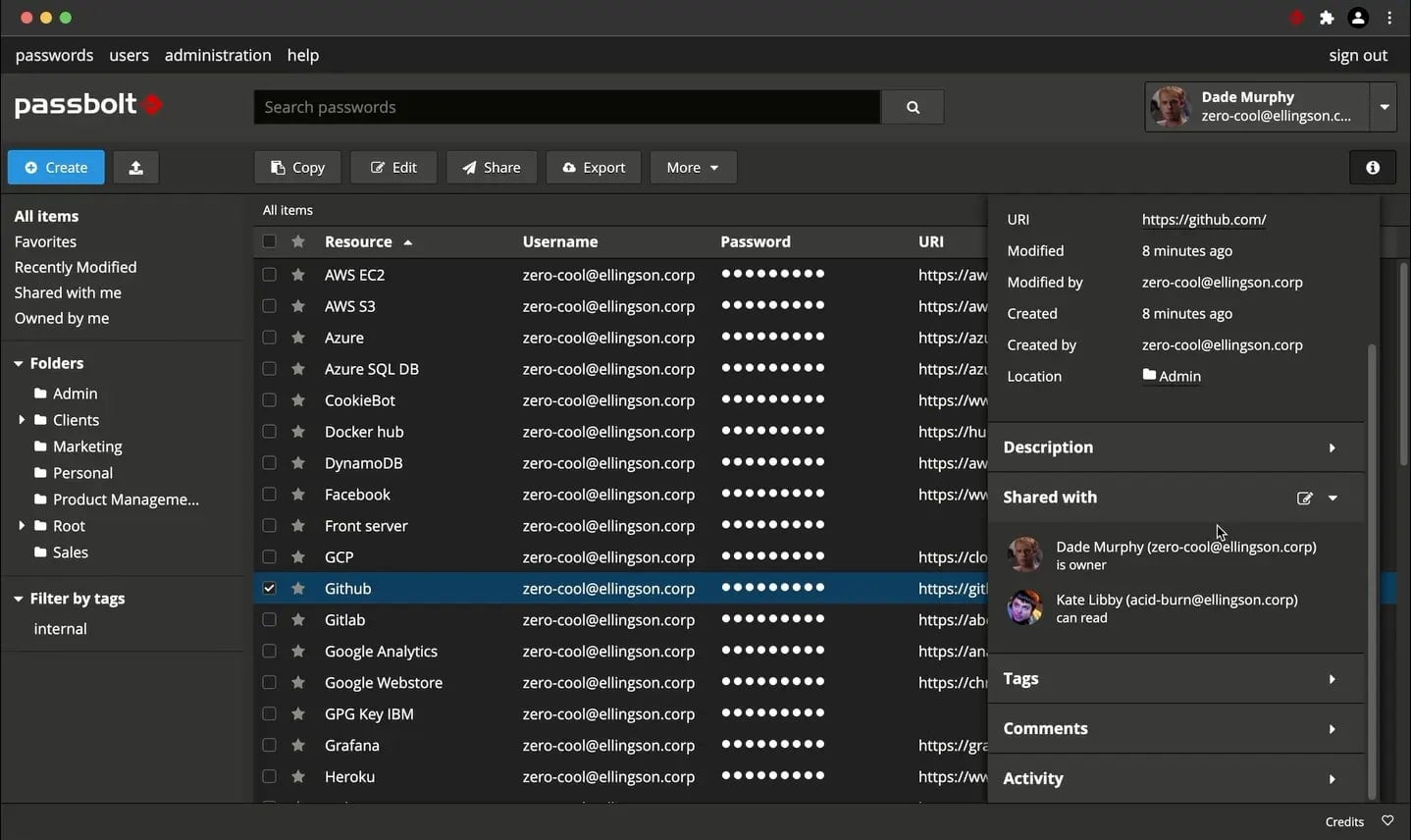
Passbolt is a password manager that puts your security above all. It is open-source and allows for radical privacy and security. What that means is that Passbolt believes that honesty is a virtue that is far too rare in modern business. They pride themselves in their security and have the very best penetration testers regularly evaluate their software. This way the security is constantly evolving and stays one step ahead of any attacker while also providing full transparency into each finding since they are made public.
Passbolt is based on user-owned secret keys and end-to-end encryption, making sure that only you can access your own data and no one else, not even Passbolt. Furthermore, their headquarters are located in Luxembourg which is in the EU. What this means is that your data is protected by European privacy laws which turns it from a commodity into a guarantee. Passbolt doesn’t stop there however, it is designed not only for individuals but businesses alike. If you have needs for complex access sharing and organizing joint teams for specific projects, Passbolt allows you to manage their access with a few clicks, easily and intuitively, allowing for total granular control.
Passbolt has two different pricing models, the Self-Hosted and Passbolt Cloud options, both of which have subcategories. The self-hosted Passbolt option has three different versions, the Community, Business, and Enterprise versions. The Community version is free for an unlimited amount of users, the Business version starts at €45 a month, billed annually, and the Enterprise version is custom and requires you to get a quote directly. The cloud-hosted option however has two tiers, Business and Enterprise. The Business version is €19 a month with a €4.5 cost per additional user. The Enterprise version is also custom and requires you to get a quote.
4. N-able Passportal
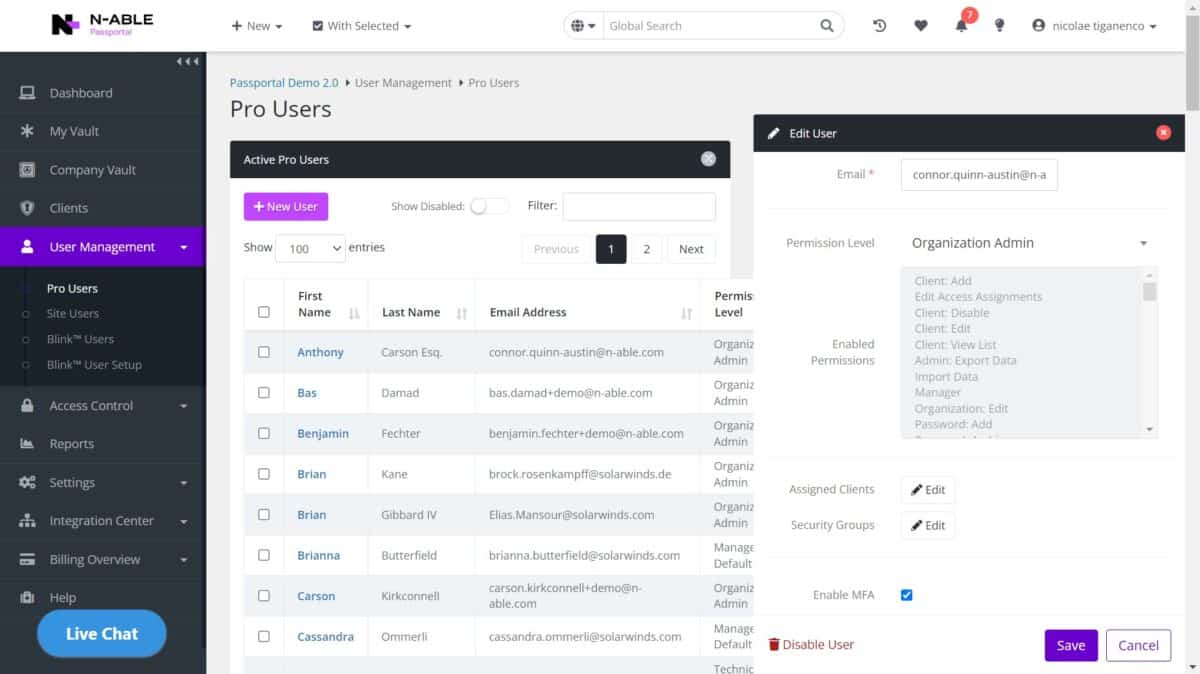
N-able lets you manage your passwords with ease in a safe and secure fashion. You have full granular control over user access which allows for various benefits such as enforcing compliance and allowing for easier teamwork. For example, if you ever need to give an employee clearance to work on a specific task or project, it is a couple of clicks away, effectively making sure that everyone has exact clearance for their job, no more, no less. All of the stored data is encrypted as well making sure that your sensitive information is kept safe and secure. It also comes with multiple integrations such as Auvik, ConnectWise, NinjaOne, Kaseya, and more. N-able offers a free trial and if you wish to purchase the full product, you will have to contact the vendor to get a quote.
5. Keeper Business Password Manager
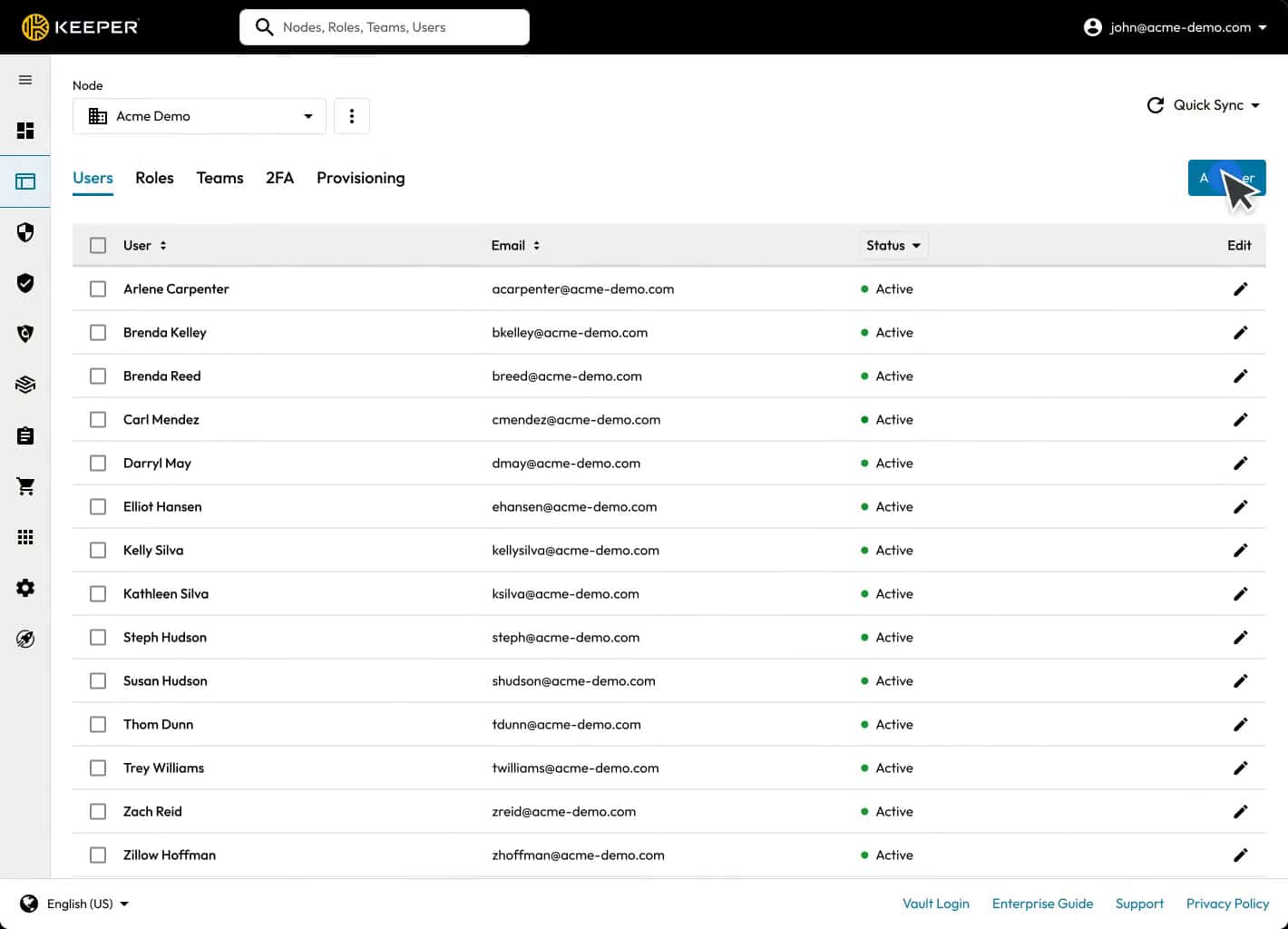
Keeper is a modern password manager designed for small and medium businesses. It is a cloud-based tool that can be used across all devices, with minimal setup. No technical expertise is required to set up and use this tool. More importantly, it comes with tools for creating high-security passwords.
An integral part of this tool is its patented KeeperAI technology that can auto-fill passwords on websites and apps, saving time and effort for employees. Similarly, its zero-trust and zero-knowledge architecture ensures that connections are encrypted and no unauthorized user can access passwords.
Another highlight of this tool is its admin console, through which administrators can monitor password usage, provision it to authorized users, and enforce security policies uniformly for everyone. They can even generate log activities and reports for auditing and compliance.
Keeper is also reasonably priced for the features it offers. Its Business Starter Password Manager is priced at $2/user/month, while the Business Password Manager costs $3.75/user/month.
Start a 30-day free trial.
6. IT Glue
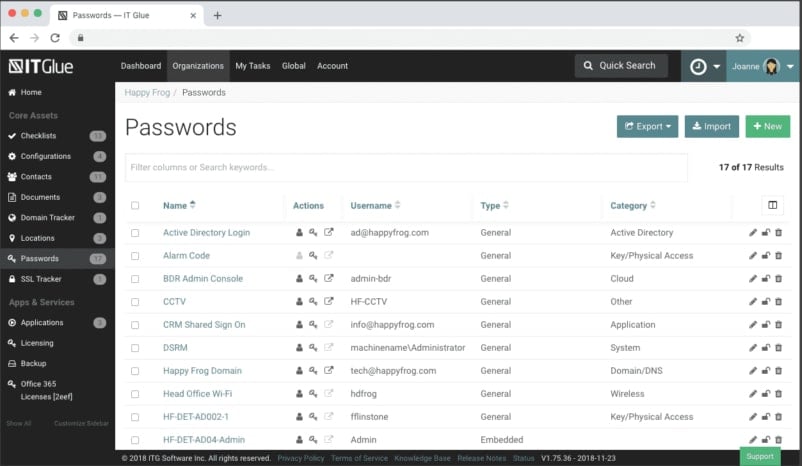
IT Glue offers safe IT Documentation in a SOC 2-compliant way. It allows you granular control and detailed activity logs, making sure you can always keep every aspect of your security in check. IT Glue also features over 30 integrations with major PSA, RMM, BDR, and other platforms, they even have a public API that you can use. It also automates account backups, eliminating any human errors that may occur and giving you full security. IT Glue offers a free demo, but if you do not wish to take it immediately, instead you can consider getting their ROI calculator which would demonstrate the return on your investment into this product.
IT Glue comes in three different versions, Basic, Select, and Enterprise. The basic version is €29 per user with a five-user minimum, the Select is €34 per user with a five-user minimum, and lastly, the Enterprise is €39 per user with a five-user minimum. The Enterprise version can however be available between one to four users for €47-99 per user.
7. LastPass Teams
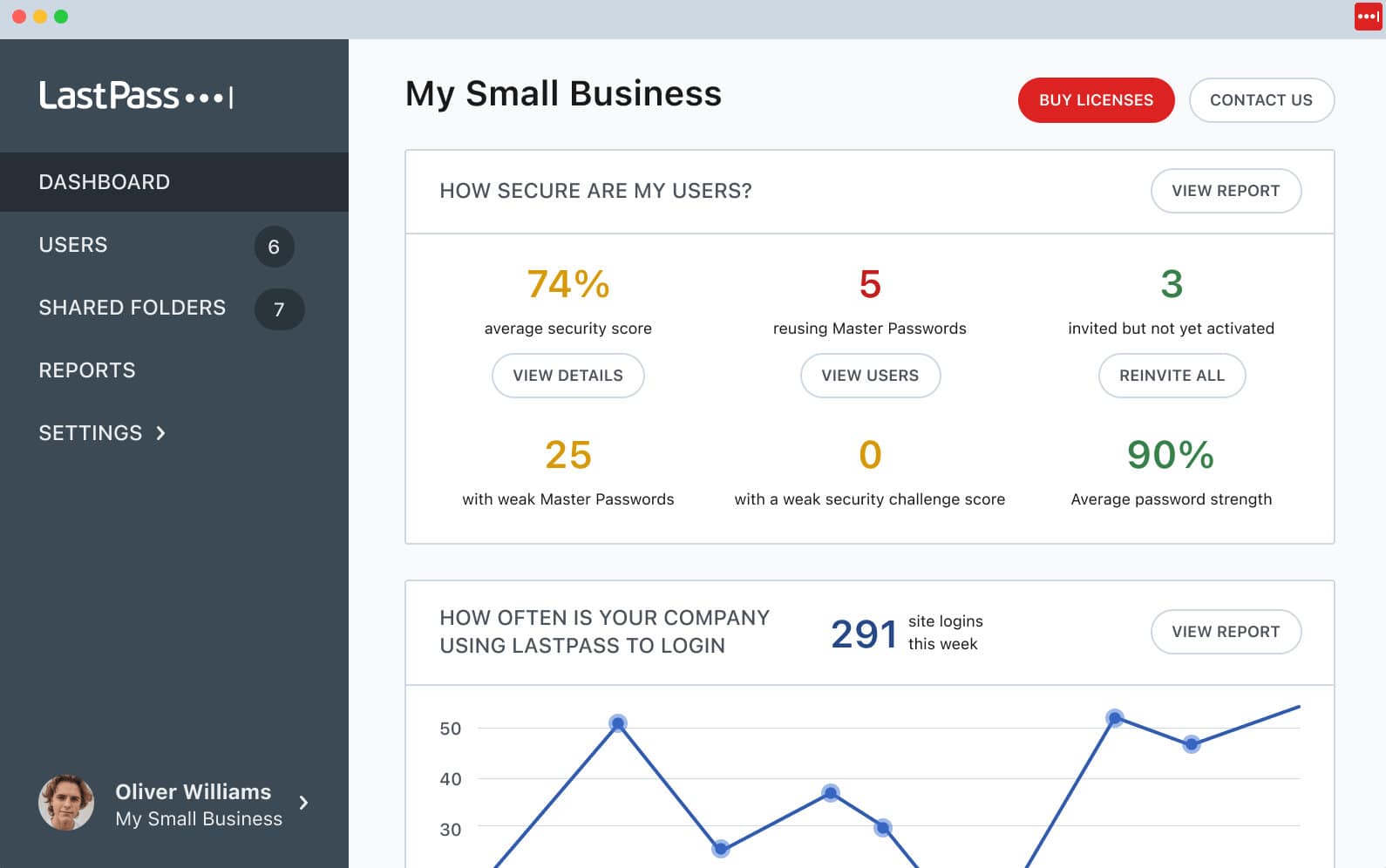
LastPass Teams is designed for small businesses of up to 50 users, allowing for easy access control in the office. With LastPass Teams, you will be able to make password resets and any related obstacles a thing of the past, with your employees now able to fully commit to the actual work rather than troubleshooting accessibility every time. It has highly granular control, allowing for unlimited sharing, and making sure that every employee has the access level they need to complete their job with minimal time wasted on the process. The admin console is simple and intuitive to use, making tracking and managing all of these permissions a breeze. You can also configure your own policies to make sure that your password strength and login rules are always adequate for the level of security you require.
LastPass Teams offers a free 14-day trial that requires no credit card or commitments, just your business email and estimated number of users. They feature two different categories, Single Users & Families and the Business plan. Within the Single Users & Families you have three sub-categories, the Free, Premium, and Families plan. The Free plan is just as it says, free. Up to one user account, you can save and manage unlimited passwords and enable passwordless login with ease, as well as many other features. The Premium is €2.90 per month, billed annually, and the Families plan is €3.90 per month, billed annually. In the business category, you have two plans, the Teams and the Business plan. The Teams plan is €3.90 per user monthly, billed annually, and the Business plan is €5.70 per user monthly, billed annually.
8. Dashlane Business
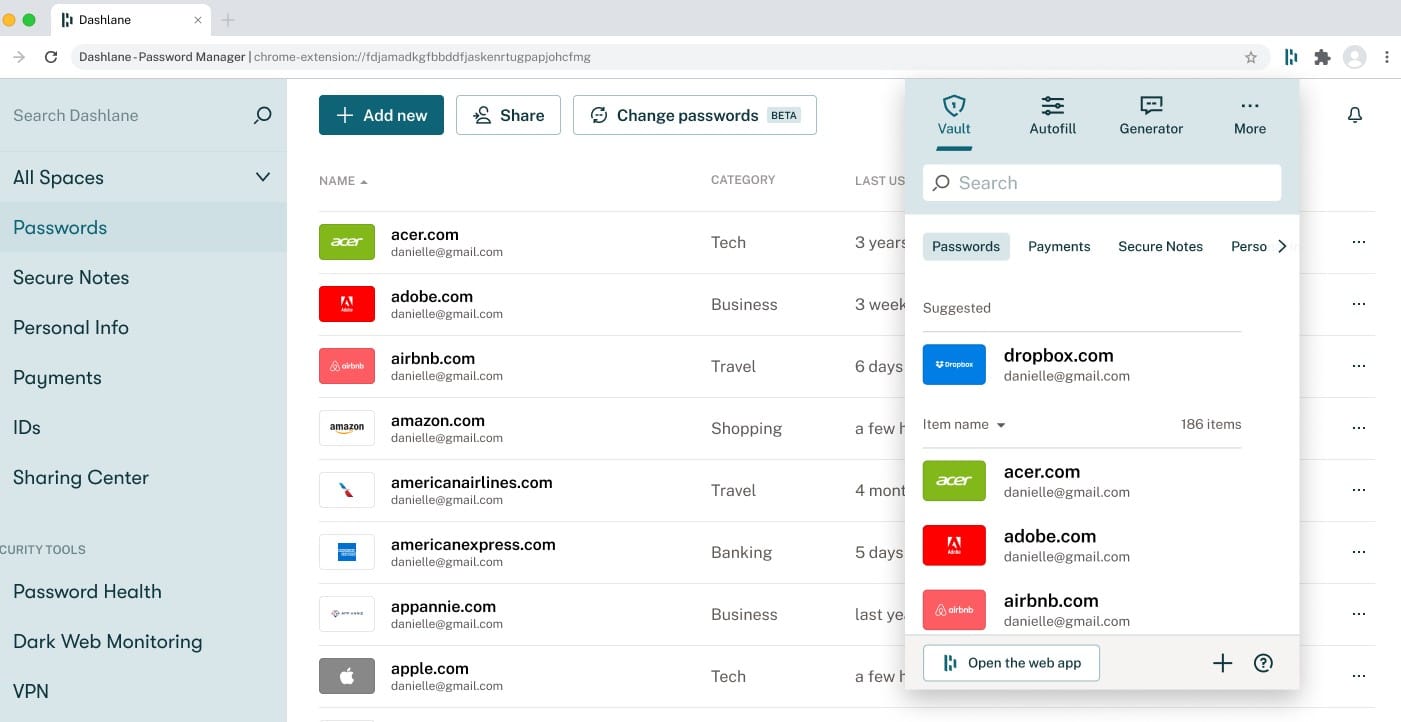
Dashlane offers one of the best password-managing services out there with its state-of-the-art encryption and design. They generate, autofill, and save your passwords, allowing you to essentially forget about them and automate the entire process while still keeping the security aspect intact. Since the system is automated, any credentials that an employee might need to present are automatically validated without the necessity of any IT support, everyone has an adequate access level equally. Dashlane also operates on a zero-trust basis meaning that no one is able to see your data, not even them. If you ever wish to stop using Dashlane, you can leave with all of your credentials and they will remove all of your information from their database.
Dashlane offers a free trial and several paid plans. They offer the Starter, Team, Business, and Enterprise plans. The Starter plan is $2 per seat monthly, billed monthly at $20 for 10 seats. Team is $5 per seat monthly, billed annually. Business is $6 per seat monthly, billed annually. The enterprise version doesn’t have a price listed, instead, you will have to contact their sales time to get a quote.
Summary
We have covered a lot of useful network password managers today. They vary quite a lot in their capabilities and scale, from personal home use to full-on large-scale enterprises. Only you however know your needs and hopefully, you have found the tool that will work best for you.