


USB flash drives are storage devices that are portable and small. Most users and businesses embrace them to store and manage confidential data. A major advantage of these small hard drives is that they are less costly and scalable. In addition, there is no need to connect to the internet to exchange files among systems.
Besides the various benefits of USB drives, there are certain drawbacks that users must always pay attention to. The most significant is the high probability of these devices getting infected by malware or viruses. If a system is infected by malware, there is a good chance that the viruses can be easily transferred to your drives.
As the name implies, USB attacks adopt a USB-connected device like a hard drive or thumb drives to install malicious software on another USB-connected device or a computer. Another method that can facilitate the utilization of malicious USB devices to destroy a computer is the delivery of an electrical charge.
For this reason, it is important to understand the different ways to protect your USB firmware from viruses. This guide will also provide a list of tools that can effectively prevent the virus from affecting and causing damage to your data.
About USB Drive Malware
Over the past couple of decades, the use of USB drives has been on the rise. Indeed, USB drives have been relied upon by many to secure backups, as well as a medium for sending data between two computers or systems. Simply put, using small USB sticks is a convenient way to send data.
Besides this, individuals not connected digitally can also use USB drives to share and exchange information from one system to another. This means using USB drives to transfer information does not require any internet connection. The portability of these devices is a major advantage for many users. However, their susceptibility to cyberattacks is a drawback that cannot be ignored.
It is not a strange thing that cyber attackers often target USB devices to introduce malware into systems. Stuxnet was discovered in 2010. It is a malicious work that focuses on supervisory control, as well as data acquisition systems. Hackers made the most of this computer work to manipulate valves on the centrifuges that were designed to enrich uranium gas. Rather than stealing the data, cybercriminals utilized it to destroy tools controlled by computers physically.
There is now a greater security risk, thanks to the ability of USB drives to store and send data. Yet, these hard drives are still on the rise and can be easily infected with viruses. This can be dangerous for businesses as systems can get infected once the device is connected.
Challenges of Securing USB Drives
Securing data from USB drives has promised to be a significant challenge for businesses and users. These USB drives are still exposed to risk, irrespective of the tactics implemented to identify and thwart incoming threats.
Every time a USB drive is inserted into an unprotected system, a cyber attacker can find their way into the data. It is also possible for a virus to be embedded into what can seem like a normal file on a USB drive. For this reason, a computer system can become infected by malware once the file is opened.
Even though USB drives are often viewed as less significant, other components of a computer system can be used in many malicious ways to steal essential data and initiate malware attacks. Besides this, using a USB drive to move files between multiple host devices could expose a computer system to malware.
Regardless of the number of tactics that can be applied to protect data or systems, there is always a danger of coming in contact with malware attacks, especially if the computer system is not well fortified by antivirus software, which can help in scanning USB drives when they are plugged to the system.
What Can Malicious USB Firmware Do?
Malicious USB firmware can carry out many functions that a normal USB device can. After all, they are capable of masquerading as a USB devices. Besides this, most malicious firmware can pretend to function effectively, including facilitating the transfer of files regularly. What this does is that it provides a false sense of security.
A common use for malicious USB firmware is to infect files that are stored on the device. Malicious USB firmware is also commonly used to send key presses as they masquerade as a keyboard. With this ability, a hacker can gain remote device control through this fake keyboard. It can also make use of small macros to carry out dangerous actions. Take, for instance, a macro that could be designed to access a command prompt, connect, and download a small software while running the program.
Propagation of USB Viruses
Malicious USB firmware can reproduce threats, transforming normal USBs by corrupting the firmware into virus hosts that can self-replicate.
These threats transfer a virus onto a host device. Then, as the USB drive is connected, it modifies the drive firmware to propagate the same virus onto any connected device.
When the same set of virus-based USB firmware is reproduced, there is a possibility that it can spread malicious firmware across an entire network.
USB virus propagation represents one of the most potent malicious USB firmware threats. After all, it is capable of spreading malware between various networks rapidly.
How Can You Protect Your USBs?
The simplest approach involves securing your USB flash drives. After all, these flash drives are often the root of virus propagation. Yet, this threat does not necessarily originate from a USB flash drive. It can originate from any part of the network. It is even possible for a computer system to unintentionally get a virus capable of self-replicating while attaching to the USB flash drives.
What this implies is that you can only promote your safety if you:
- Protect your organization’s USBs externally.
- Internally protect any device that might be connected to USB flash drives.
Certain solutions can be adopted to improve your network’s security while protecting your USB firmware from threats.
Avoid Unknown USB Devices
There was a period when an effective way of spreading malware became popular. Attackers would leave infected USB drives out in public. Then, curious, ignorant individuals would pick up these flash drives and insert them into a system. This will infect the network with the malicious content that was installed on the firmware.
Over the past few years, as people have become more educated about the dangers of plugging in unknown USB devices, this stopped becoming a common serious issue. Yet, it should always be something to continue considering, particularly as bad USB devices are still available in the market.
Even though this method is typically related to the use of USB flash drives, any device that is connected through a USB port can also satisfy this strategy. For this reason, it is imperative to be cautious of any unknown peripheral. Besides this, users must be informed and educated on the possible risks of connecting random devices to USB ports.
Disable Autoplay
Windows Autoplay represents a very dangerous vulnerability that can compromise a network’s physical security. However, all it does is that it saves the 5 seconds it takes to run a connected device manually.
This Windows Autoplay can be used by malicious USB firmware to implement programs that can completely cripple an entire network. Even though more advanced malware can bypass it, the best course of action remains disabling this Windows function across your network as a real catch-all for most USB firmware-based malware.
Disabling Windows Autoplay is simple when you follow these steps:
- Click the Windows key and open the start menu
- Type ‘autoplay’ and open the Windows Autoplay Settings option
- Toggle ‘Use Autoplay for all media and devices to Off. Turn the Autoplay defaults for Removable drives and Memory cards to ‘Take no action.
To disable autoplay via Group Policy, the following steps are effective:
- Click the Windows key and open the start menu
- Type ‘gpedit’ into the search bar and click on the Edit group policy option
Go through this option:
Computer Configuration > Administrative Templates > Windows Components > Autoplay Policies
When you reach the ‘Turn off Autoplay’ option, ensure that it is Enabled on All drives. Then, click Apply.
In the ‘Set the default behavior for Autorun’ option, set it to Enabled. Then, set the default Autorun behavior to ‘Do not execute any autorun commands. After this, click Apply.
Secure USB Flash Drives
If you are using a single personal flash drive, it is best if it is upgraded. The best to consider are flash drives with 128-bit AES hardware encryption. This is because they can reduce the risk of getting infected while also preventing systems from being hacked.
There are many encrypted flash drives online, which are more resistant to all kinds of malicious modifications while preventing automated infection.
Besides this, a few flash drives require a user to physically enter a password before accessing the data stored in it. For this reason, investing in USB drives with built-in security features is imperative. With this kind of solution, you can strengthen your security while also reducing the danger of software infections.
Top Tools to Protect USB Firmware
The importance of protecting your data cannot be stressed enough. This section will look into some of the best tools organizations can use to protect USB firmware from any kind of infection.
1. ManageEngine Device Control Plus – FREE TRIAL
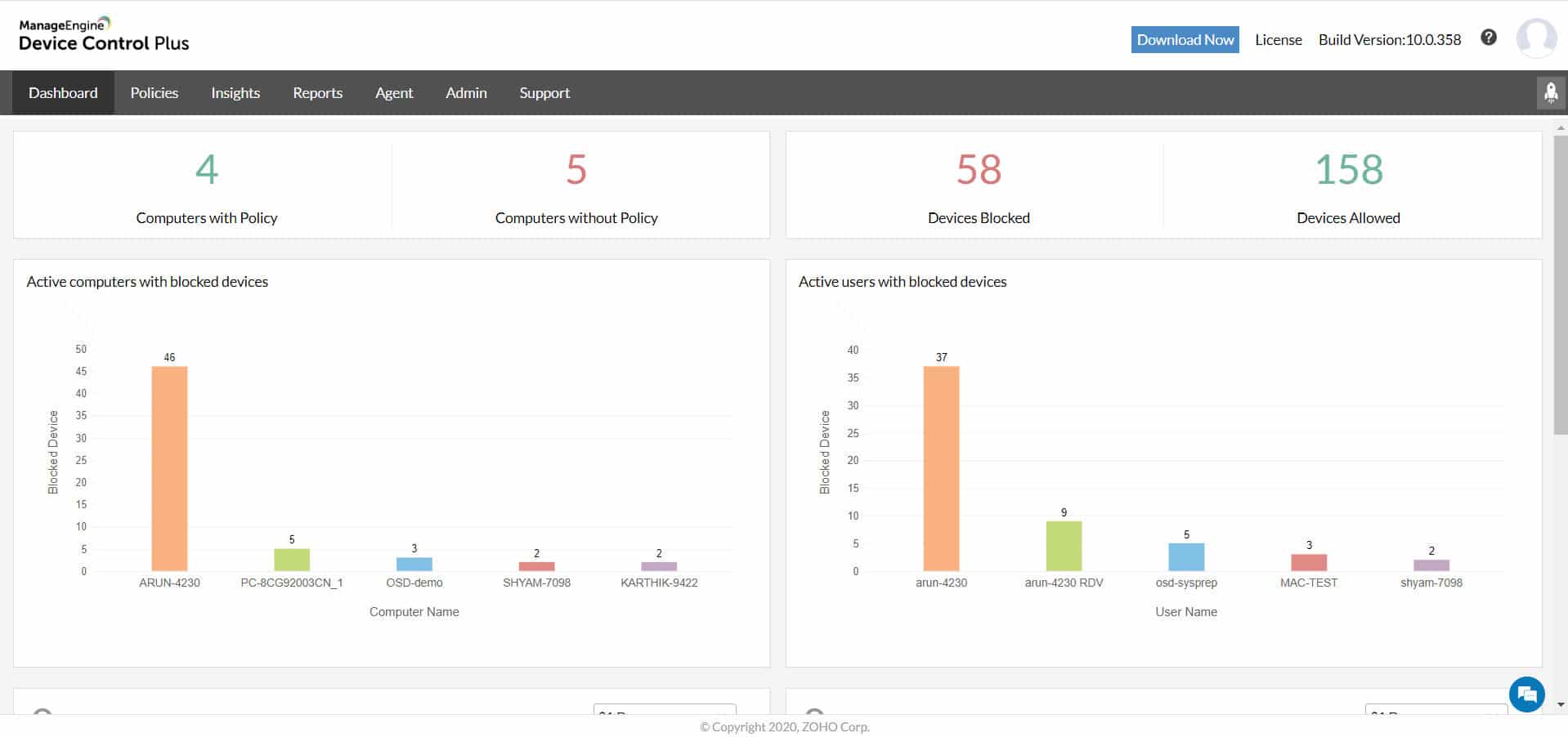
ManageEngine Device Control Plus is an effective tool that businesses use to control and monitor network traffic between endpoints and USB flash drives. This tool can detect and immediately block USB access across your network when it notices any kind of suspicious activities or malware.
Besides this, users can also adopt this tool to reduce the danger of insider threats while monitoring hack attempts using comprehensive device control and file access management solutions. Device Control Plus can also grant temporary access only upon request and block all unauthorized USB access.
Start with a 30-day free trial.
2. DriveLock
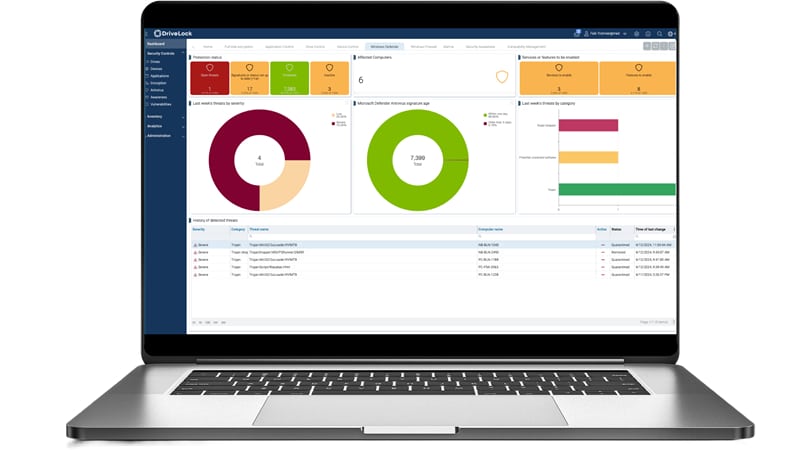
DriveLock is a cloud-based endpoint security tool that ensures that an organization’s devices, tools, and systems can be protected from USB-based malware infection.
DriveLock supports inbuilt file encryption and various antivirus features, which can increase the security of sensitive data at all times. In addition, this tool offers multi-layered security and restrictions on multiple removable storage devices, including flash drives.
3. Endpoint Protector by CoSoSys
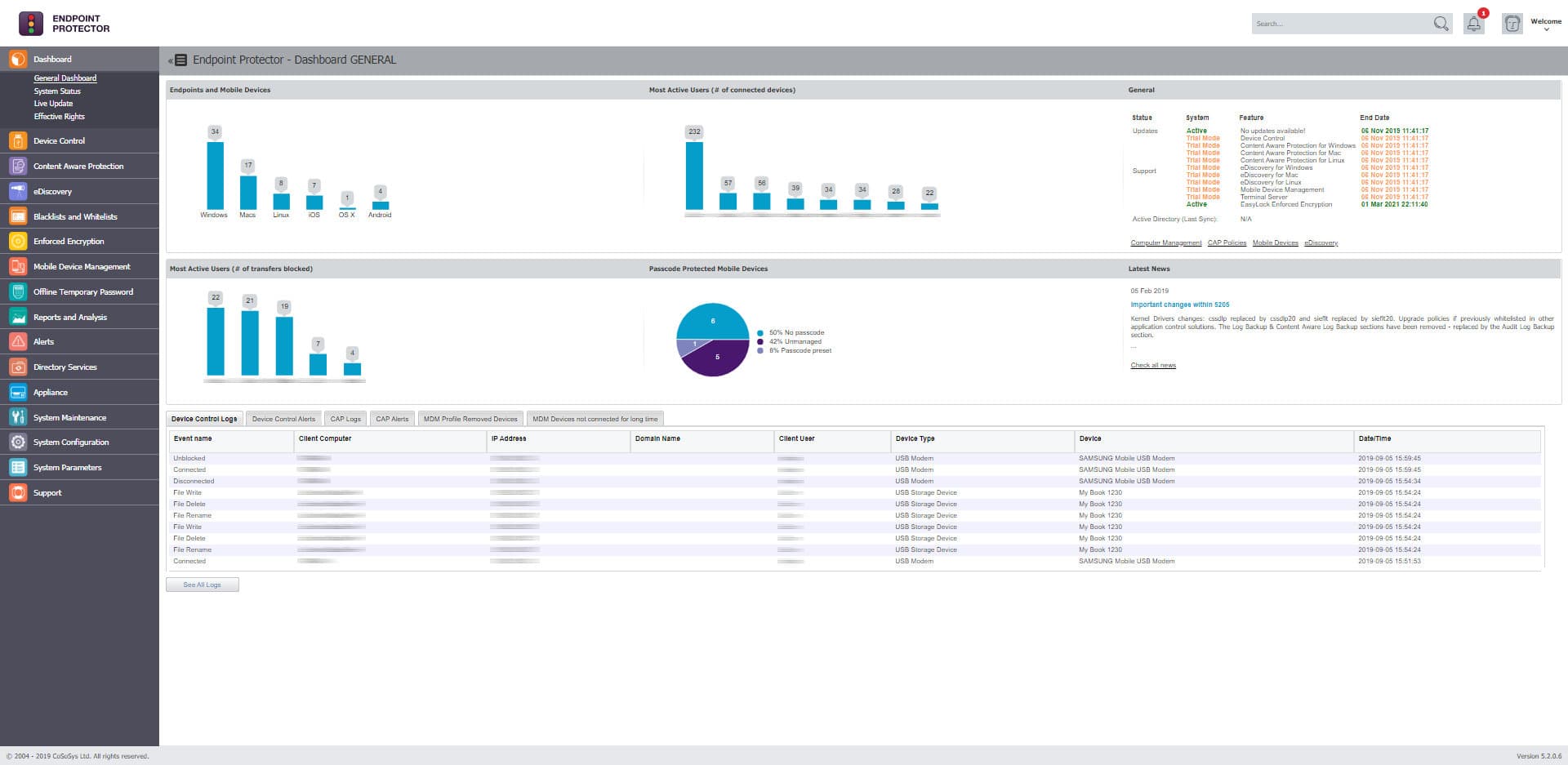
This is another reliable tool that enterprises adopt to prevent networks from malicious USB firmware-based attacks. CoSoSys Endpoint Protector is cross-platform with a simple web-based interface, which can help control and monitor all USBs and peripheral ports.
The lightweight agent installed on the system instantly blocks unauthorized USB access while also reporting the administrator about the same. The tool can also reduce the risk of intentional or accidental data loss.
Conclusion
Most businesses store confidential data in portable USB devices. For this reason, it is crucial for the growth and safety of the business that USB firmware is protected from viruses. Some of the best tools that can help achieve this have been introduced above.