

Microsoft Azure is a cloud computing platform that provides developers with the tools to design, build, and manage applications, and more. Azure provides a vast array of services, these include virtual machines, databases, storage, web services, mobile services, and more. If you are a business looking for a cloud solution, you are likely going to have all of your needs covered by Azure. Another important feature is the fact that Azure is able to integrate with other Microsoft products such as Microsoft 365, SQL Server, and Visual Studio. If you find yourself using any of these tools, you will be able to seamlessly integrate them into Microsoft Azure with minimal effort.

Azure is built with flexibility, scalability, and security in mind. It allows for great variety, and lots of integrations, and allows your developers to deploy applications with ease. Our main interest in this article, however, is its cost. The pricing depends on a lot of features. Firstly, Azure is scalable and you effectively pay as you go where you only get charged for the resources you use. Secondly, your costs will vary depending on the services you use, the regions where the resources are located, the storage type, and the amount of resources used. Managing and minimizing these costs is essential if you wish to get the most out of your business, especially on a large scale.
What Is Azure Cost Management and How Does It Work?
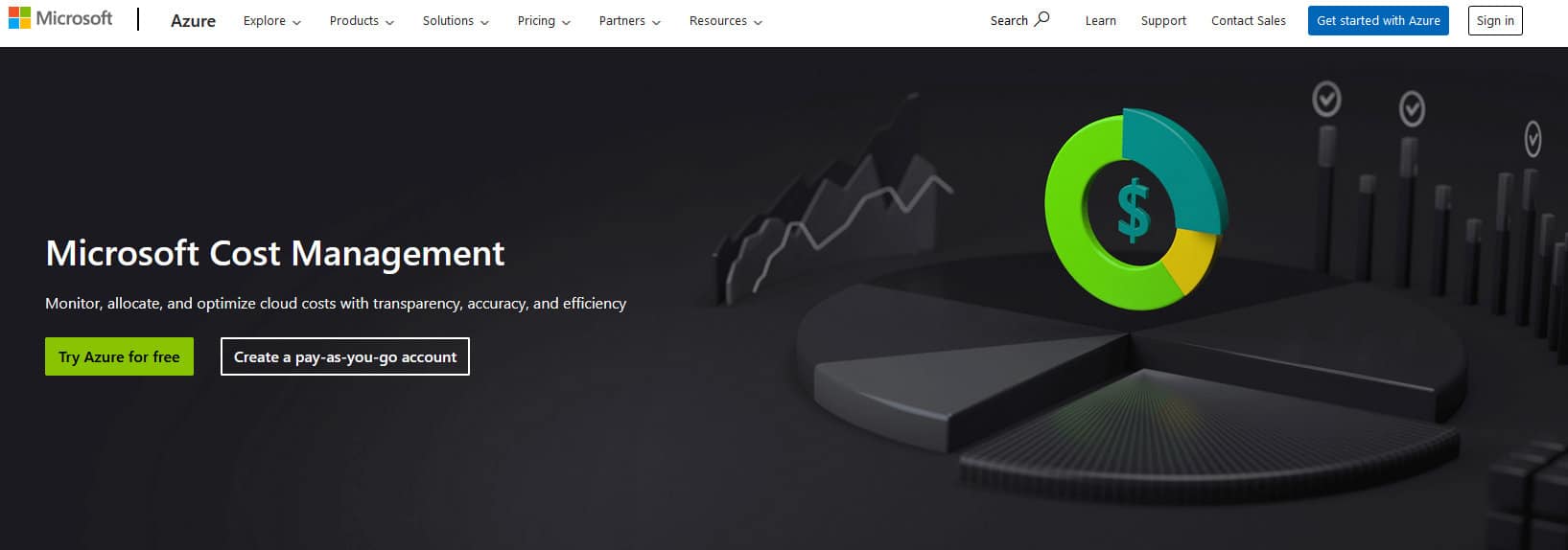
Azure Cost Management is a free tool that comes with Azure. It should be your first stop to check your budgets and costs. It has a lot of useful features concerning managing your costs, helping you understand which things are increasing your costs, why are they increasing the costs, alerting you after crossing a certain budget, and more. It is capable of giving you keen insight into your business practices while also allowing you to set up specific parameters to optimize the costs to your benefit.
For example, you can set up cost management alerts. You would either get an automatic alert once the costs reach a certain amount, or you can even have the automatic trigger change some parameters after a certain amount which would make it more cost-effective. It also has the capacity of identifying underutilized resources. During off hours, your resources might not be experiencing lots of use, if any, meaning that identifying those times and having automatic shutdowns would increase cost savings. Furthermore, you can set cost ceilings and cost floors to make sure that Azure never exceeds a certain threshold, allowing you to budget costs more precisely. It also visualizes all the ways you spend money by resource and service, this way you can clearly understand which aspects of your business are driving costs which allows you to potentially come up with an optimization strategy to minimize it.
Azure Advisor
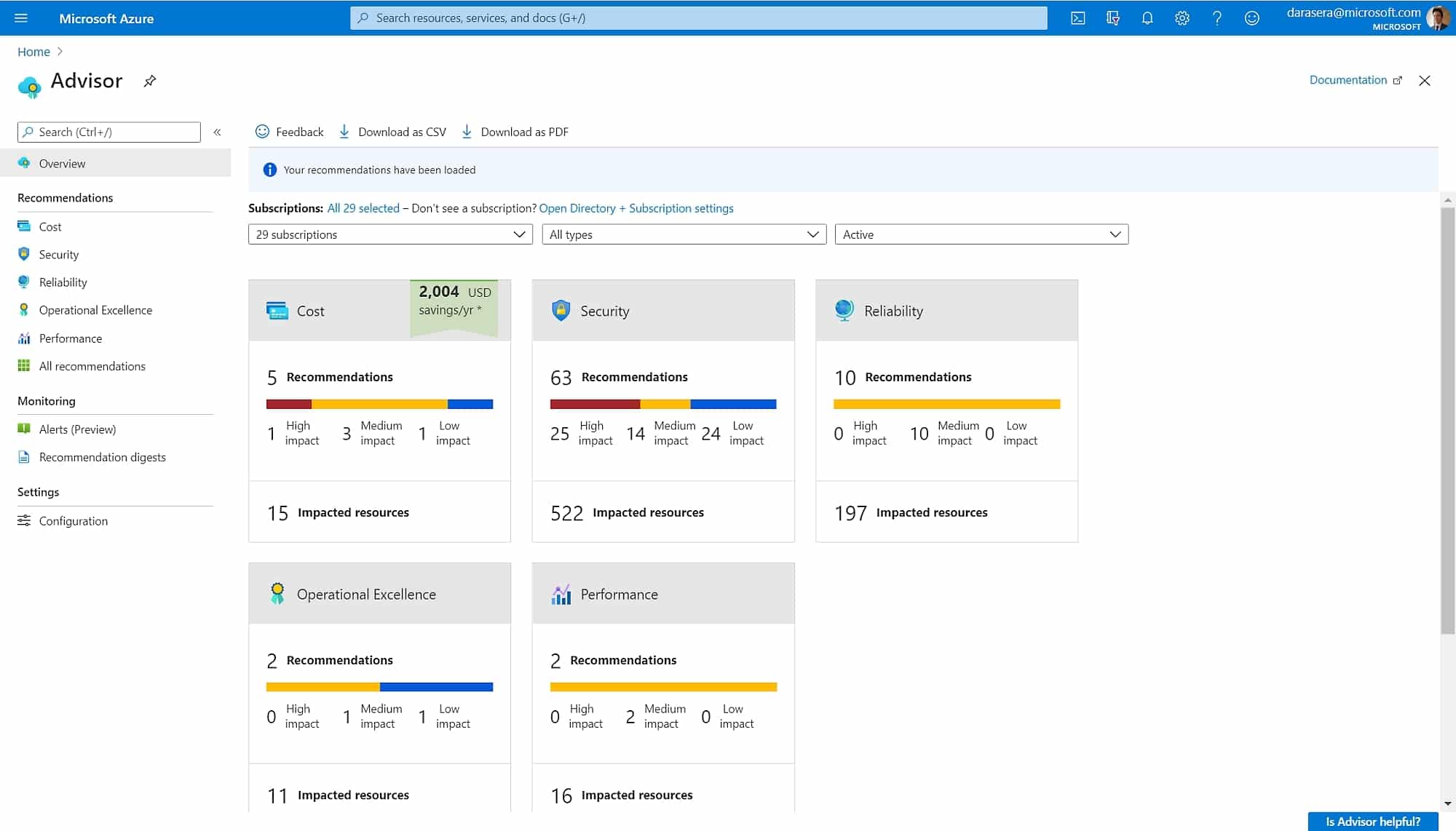
Azure Advisor is a feature that offers you a comprehensive data-driven analysis of your cloud environment in an effort to give you recommendations that will potentially reduce costs, optimize performance, improve security, and meet compliance standards. It achieves all of these features by leveraging AI and machine learning algorithms.
Azure Budgets
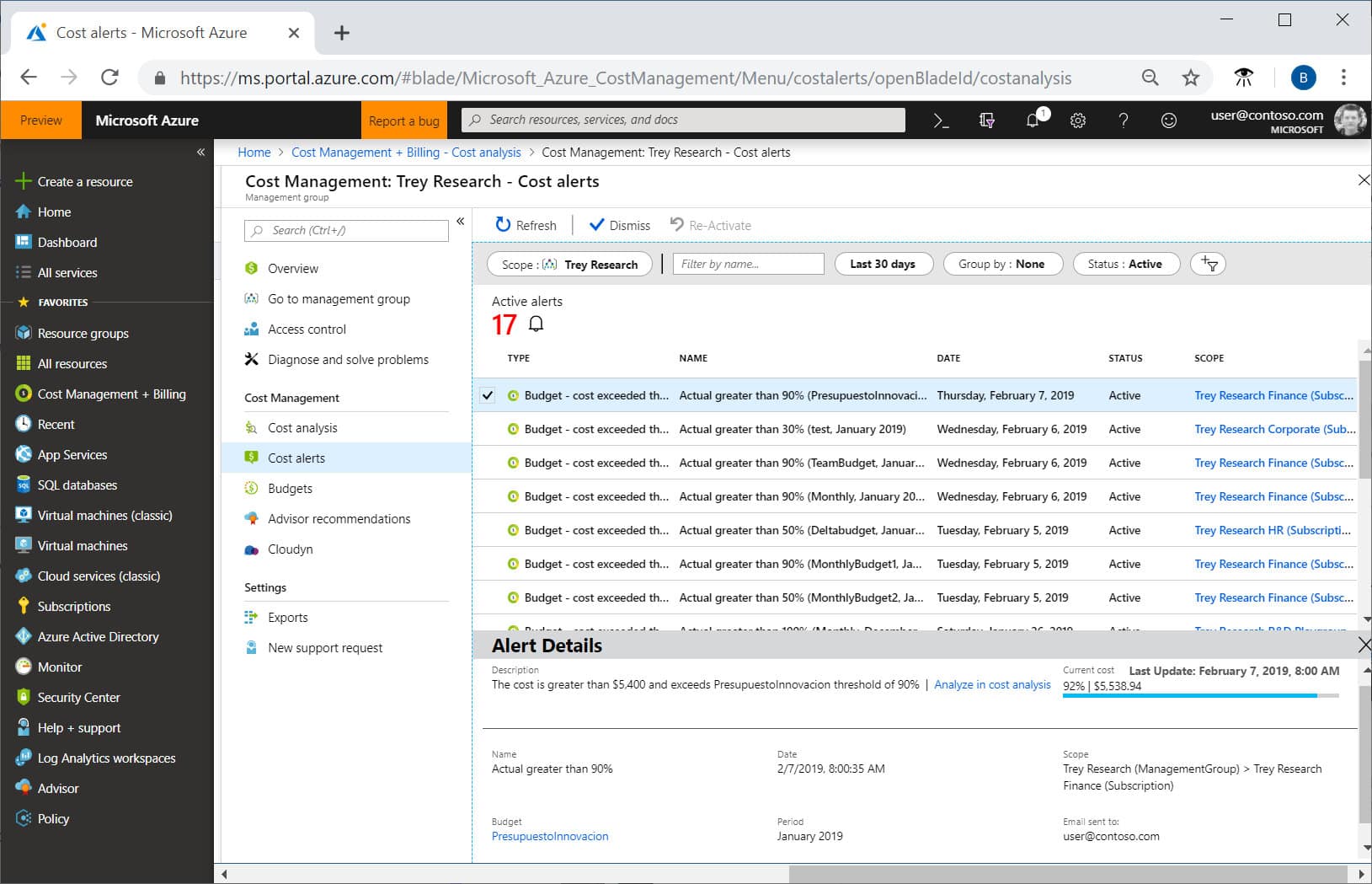
With Azure Budgets, you can set your spending limits on a per-timeframe basis, per-resource basis, or a combination of both. You can set limits for many different variables, optimizing them specifically for your business. Some of these include compute hours, storage usage, database transactions, and many other resources. Once you approach your budget limit, you will be alerted. Then you can manually adjust your budget or perform any tweaks necessary to stay under it. This way you can rest assured that you will always avoid any unexpected costs with the automatic budget allocation and alert features.
Azure Pricing Calculator
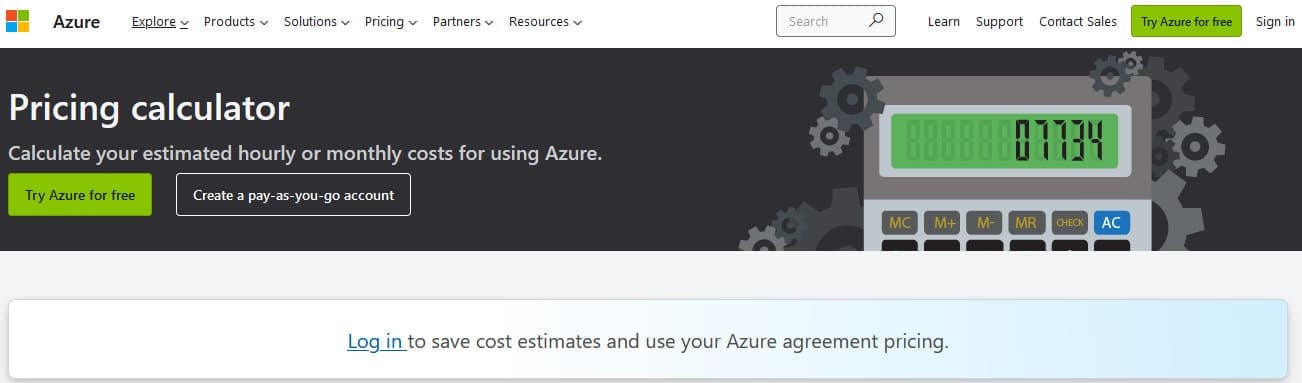
Azure Pricing Calculator is a tool that allows users to estimate their Azure cost usage. You can input your expected resource usage and get accurate estimates for your costs. This way you can plan and optimize your spending, and maximize the ROI of your cloud investments. It is most useful when estimating the costs of deploying or running a solution in Azure, including infrastructure, licensing, and other service costs.
Turbo360 (formerly Serverless360)
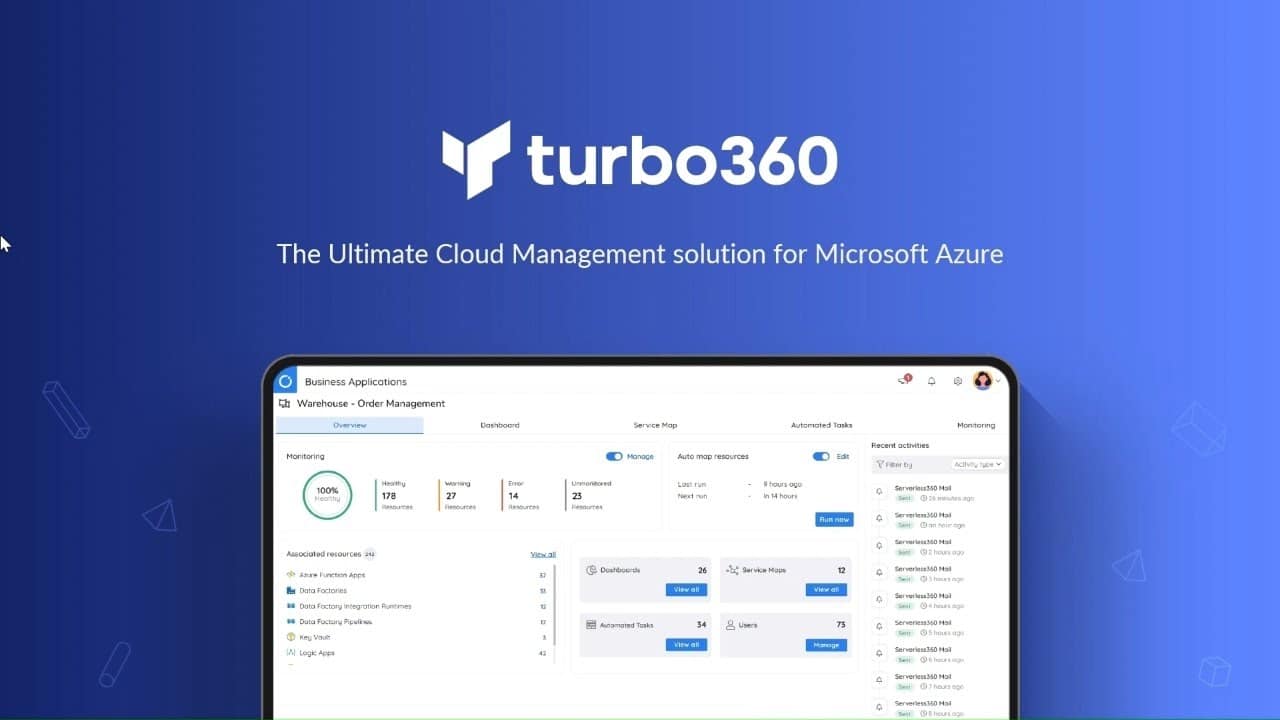
If the previous methods don’t seem satisfactory to achieve proper management of your spending, then Turbo360 (Serverless360) is the tool for you. Turbo360 helps you manage your Azure resources and covers every need you will ever have. It offers a central dashboard that provides you with a unified, clear, and comprehensive view of your entire Azure ecosystem, including computing, storage, networking, databases, and other services. With Turbo360 you can easily manage all of your resources, set up highly customizable alerts, and monitor all of your key performance metrics, as well as configure security policies. It is also fully functional the moment you decide to use it, thanks to the pre-built templates to get you up and running.
The main difference between Microsoft Cost Management and Turbo360 is the fact that with the latter you can automate many aspects of your cost management. Turbo360 has a RESTful API that allows clients to interact with the Turbo360 platform to automate processes. Once the connection is established, you can automate resource provisioning, resource deployment, resource management, et cetera. With resource provisioning, you can automate the ability to provision resources on-demand using scripts or templates, effectively provisioning resources such as servers, storage, and network devices. You can also create scripts to meet specific to your needs. With resource deployment, you can automate application deployment, including rolling out updates and configurations to already existing ones. You can potentially create a script to deploy an application to multiple environments, such as development, staging, and production.
With resource management, you already have a central console that provides you with a unified view of all of your important metrics. With the API however, you can set automatic triggers to scale resources up or down depending on usage patterns or any other parameters which you deem necessary. For example, you can create a policy to scale down your costs during off-peak hours and then automatically raise them back up during peak demand. This approach saves costs and optimizes performance.
Summary
Managing Azure can be challenging, especially when scaled up. This is why having a comprehensive tool to tackle this issue is very important. Being able to sort out the important data and act upon it accordingly can be the key difference between a struggling and thriving business. By equipping yourself with the right information and correct tools, you will be able to optimize all of your costs with ease.