

Monitoring and managing a large business enterprise is no small feat. The complexity of your system scales with the number of endpoints you need to monitor. This in turn means that the larger your enterprise is, the more resources you need to attribute to stay on top of everything. As a business grows, it is far cheaper and more efficient to use multiple services to manage your business. You have your technicians integrate everything and everything works fine. This unfortunately doesn’t scale well when you’re looking at multiple, perhaps even overseas centers that need your attention. It might seem enticing to keep using your practices from when you were still growing as a business, after all, you are used to and familiar with the services you have accumulated over the years. It is important to realize though that this method is unsustainable and extremely unoptimized on a large scale. Avoid this issue by unifying all of your services, and potentially get even more quality-of-life features by using a tool such as NetCrunch.
NetCrunch Platform
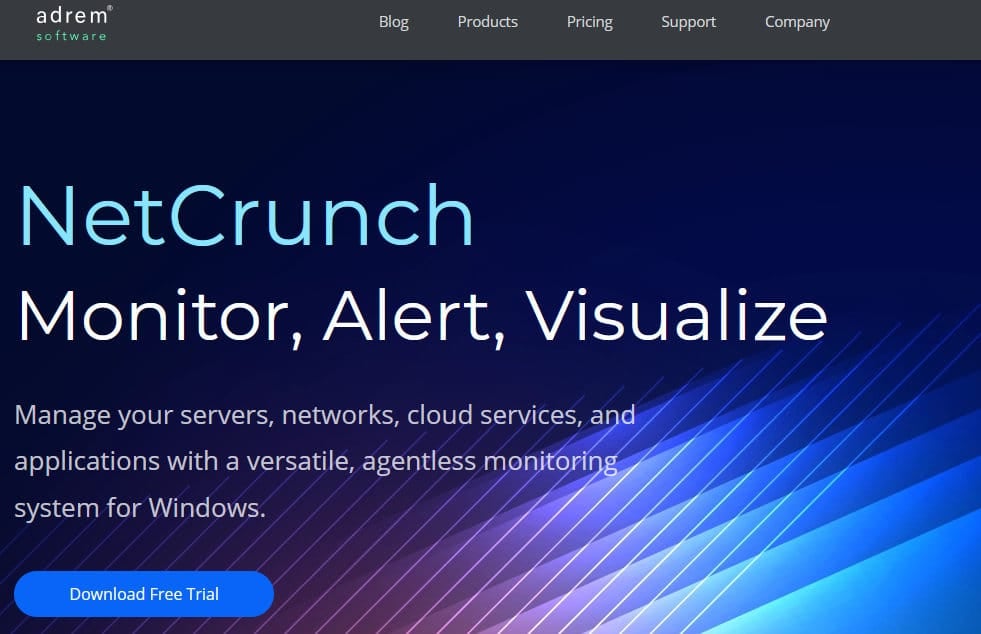
NetCrunch unifies all these tools under one visible dashboard. It is simple and easy to set up. It has automated discovery built in so the moment you get it running, it is going to scan and display almost every relevant value that you might need. Naturally, it provides extensive customization options for you to fine-tune and custom-tailor your experience. Furthermore, to get you going, there are templates built-in with various integrations as well that should cover all of the previous services you might have been using beforehand and more. It monitors a vast array of operating systems, servers, devices, and more. Apart from that, NetCrunch offers intelligent alerting to avoid as much clutter as possible for your technicians, as well as numerous clever ways to make sure you’re always presented with data that is vital and matters, while the clutter is automated and low-priority. It also provides great security with its granular configuration for different access levels to specific users and groups. This allows you to be confident in knowing that everyone’s access to company information is adjusted in accordance with their clearance, as well as preventing any potential malicious actors from trying to sabotage your enterprise. Every single access and change is monitored, giving you clear and precise insight into what every employee is accessing and editing within your network.
Logs, Servers, Virtualization, and Application Monitoring
NetCrunch offers a variety of features regarding these subjects. It comes with hybrid operating system monitoring for platforms such as Windows, Linux, BSD, Solaris, macOS, and ESXi. It has many out-of-the-box monitoring settings using its vast array of different monitoring packs. Allows hardware health monitoring, unifies event and log management with advanced correlation, and more.
- Server Performance Monitoring Netcrunch offers monitoring packs to manage the respective monitoring settings. Many of these are automatically assigned to the particular OS. It monitors a multitude of system parameters such as processor, memory, and disk operations. You may also use intelligent thresholds on the application and system performance monitoring metrics. These thresholds can range from deviation metrics, and change rates to many more to best suit your needs. All of these features allow for quick and precise insight into your system. Furthermore, NetCrunch offers quick and deep insights into your system with System Views. Note that this view will change in correlation to which operating system is in use. For Linux, BSD, macOS, and Solaris, NetCrunch will display network connections, opened files, and logged users. For Windows users that will be a list of services, pending updates, sessions, and processes. This is merely an example, and the full details are far more numerous.
- Windows Monitoring Windows monitoring relies on observing different Windows services. It tracks the Windows Event Log, perfmon counters, and Windows services to monitor performance. NetCrunch does this with a remote connection to the Windows system to monitor its performance. This means that no SNMP or agents are required. Furthermore, you may use WMI sensors for a deeper insight into your system data. It can also monitor services based on the service’s state and the startup type. For example, you can get alerted when a certain which you want to start up isn’t toggled, or if a service that shouldn’t be running is currently enabled. You can create simple alerts within NetCrunch to convert Windows event log events into comprehensible alerts within NetCrunch. The filters are then automatically converted into appropriate WQL queries. A lot of Windows applications and services are monitored by tracking event log entries or by simply observing the performance counters in the system. NetCrunch however, extends your monitoring capability using Script Sensor. It allows you to create a program or script in your preferred programming language to help you get specific application performance data. This feature allows you to build a custom monitoring tool specifically for your needs that you may not be able to find commercially. The file sensor feature lets you monitor files on your machine. Specifically, it allows you to monitor the size, presence, and every modification. You may also use it to search the content itself. Alternatively, you may also watch a folder specifically and determine if there are new files added or removed to it. NetCrunch also includes predefined monitoring packs that let you automatically configure collecting your performance parameters for Windows Servers and Workstations, as well as alerting you.
- Linux, MacOS, BSD, and Solaris Monitoring NetCrunch uses the SSH protocol to monitor all UNIX-based systems. While using SNMP is always an option, this allows you to avoid its problems. It monitors all of the vital performance metrics and has ready-to-use monitoring packs for each system. It has been tested on multiple Linux distributions based on kernel 2.4 or newer, as well as various BSD editions. Here’s a list of some of them:
- CentOS
- Fedora
- RedHat
- Ubuntu Desktop
- Novell OES
- FreeBSD
- OpenBSD
- NetBSD
- VMware ESX Monitoring NetCrunch connects directly to the ESX servers, so you don’t need to have vSphere installed. It comes with pre-configured monitoring packs to allow you to begin monitoring it quickly and easily. It allows you to measure metrics for ESXi such as free space, host count, VM count, CPU usage, Memory usage, IO rates, and many more.
Traffic Flow Analyzer
NetCrunch Traffic Flow Analyzer is a software-based flow collector which gathers traffic data and then correlates it with other network data. This allows for monitoring and visualization of the current traffic state. It is easy to set up, with the whole process taking less than an hour. It helps you identify which users, applications, and protocols are using the most bandwidth. Monitors network traffic patterns and bandwidth on an interface level and recognizes the IP addresses of top talkers. It allows you to analyze traffic using a vast array of criteria. Some of the criteria are:
- Application
- Application Groups
- IP Networks
- IP Protocols
- IP Addresses
- Atlas Nodes
- Servers
- Domains
The traffic can be analyzed for any of the nodes using Atlas View, altho, NetCrunch can also collect performance data for each traffic category. The flow is visualized and presented to you in real-time with the option of having trends from the last hour displayed as well. You can tweak and optimize your dashboard and apply thresholds to see the data that is important to you. It also supports multiple flow sources and most of the popular protocols being used such as IPFix, JFlow, netStream, SFlow, Netflow (v5 & v9), AppFlow, and rFlow. It allows you to create custom application definitions, supports Cisco NBAR technology for application monitoring, and more.
Integration Services
Running a successful IT network is challenging work. Smaller or medium-sized businesses can get by using services from many different sources and then custom-tailoring them to the business. The larger your business enterprise grows, the more of a necessity it becomes to unify all of those services under one vendor. The growing complexity of these operations simply doesn’t scale well if you don’t have something to oversee all of them. This is where the NetCrunch integrations come in. NetCrunch can integrate with many third-party services such as help-desk and many other productivity-based services. It also supports SNMP trap and syslog message forwarding, as well as offering an ODBC driver to access the SQL database and, exporting the NetCrunch MIB.
Advanced Monitoring, Configuring, and Alerting
Monitoring your network is one thing, monitoring it intelligently requires advanced tools. Take for example dynamic monitoring that uses a baseline recording of your network to establish thresholds to notify you when oscillations within the network happen. Seems solid in theory, but what happens when the upper and lower thresholds get crossed every minute? You get very frequent alerts. There is a plethora of similar issues that may arise throughout many other aspects of monitoring. Therefore, it is important to take as many of these into consideration and account for them. To do this well, you need to consider tweaking your configurations in more advanced ways to fully custom-tailor the monitoring service to your business enterprise. To achieve this goal, you need the service to support such advanced tweaks in the first place, and NetCrunch has you covered. It doesn’t only cover events that do happen but also accounts for events that are missing as well. If an event doesn’t happen you can get notified instantly. With the advanced monitoring thresholds, you can avoid false positives and mitigate clutter with ease. Here are some of the features for smart monitoring:
- Advanced Alerting NetCrunch has many additional conditions you may need to use to set up your alerting system. The vast variety can hopefully help you optimize your system to remove as much clutter as possible while also optimizing response time. In turn, your technicians will have more free time to focus on other important tasks since they are not occupied with a bunch of menial alerts which are repetitive and time-consuming. All of the internal alerts are also correlated. You have the option of adding actions to alerts or just having them automatically close after a specified period. This allows for saving a lot of functional working hours by potentially automating the aforementioned repetitive menial tasks.
- Managing Multiple Users You can manage access to NetCrunch, its views, and particular nodes. There are three access rights tiers:
- Manage – The user can manage settings
- Access – The user has read-only access
- Deny – Access is denied
You may set up custom users and groups and assign them access and permissions modularly. This allows for highly precise granular control over who can access which part of the system. Furthermore, both of these categories have custom notification settings as well.
- Monitoring Packs and Policies NetCrunch uses monitoring packs to control and modify the settings. Monitoring packs are real policies. Regardless of how they are associated with a node, the monitoring pack is automatically applied to the relevant nodes. The settings are mainly comprised of data collectors and alerting rules. The data collectors get the data needed for the reports.
Pricing
NetCrunch offers a free trial for 30 days and has flexible pricing. It starts from $55 per month for the Essentials or $1,200 for a perpetual purchase. This cost scales up by either purchasing the Professional or the Enterprise packs. Furthermore, the cost scales up with the number of nodes and interfaces you want to cover.
Summary
NetCrunch offers a lot of versatility for any business. It covers a vast range of services that you may need while also providing you with the opportunity of using custom programs or scripts to fill the gaps that you might experience. It is however very intuitive and easy to use, and offers a very clear bird’s-eye overview of your entire enterprise regardless of its size, while also providing a quality and precise service. With its clever use of different tools, however, you can expect yourself to rarely be lacking in any feature that you might need. It is a tool built by engineers and technicians, for engineers and technicians. NetCrunch is a culmination of years of respective experiences within the field, all conglomerated into one service that provides a wide range of different types of support for you and your business.